Society Member App - User Guide
The Member App helps residents stay connected, manage daily activities, and participate in society decisions from one place.
Member Dashboard
When you open the app, you will see the Admin Home Screen.
From here, you can access all important society management modules.
Available Modules:
- Notice
- Event
- Visitor
- Amenities
- Maintenance
- Poll & Survey
- Feedback
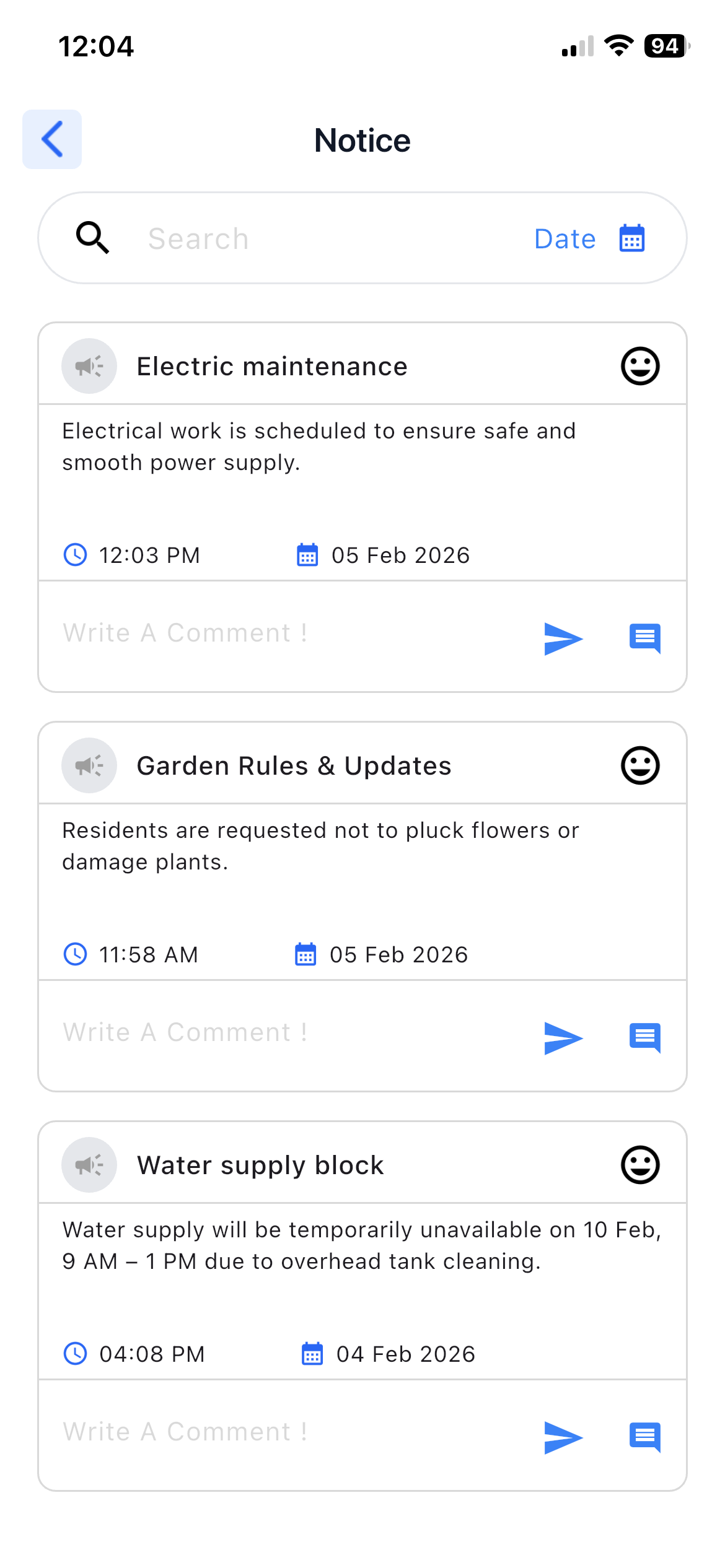
1. Notice
Purpose:
To stay updated with important society announcements.
Details:
- View notices shared by admin
- Notices include title, date, and description
- Members can add comments on notices
- Members can view comments added by other members
2. Event
Purpose:
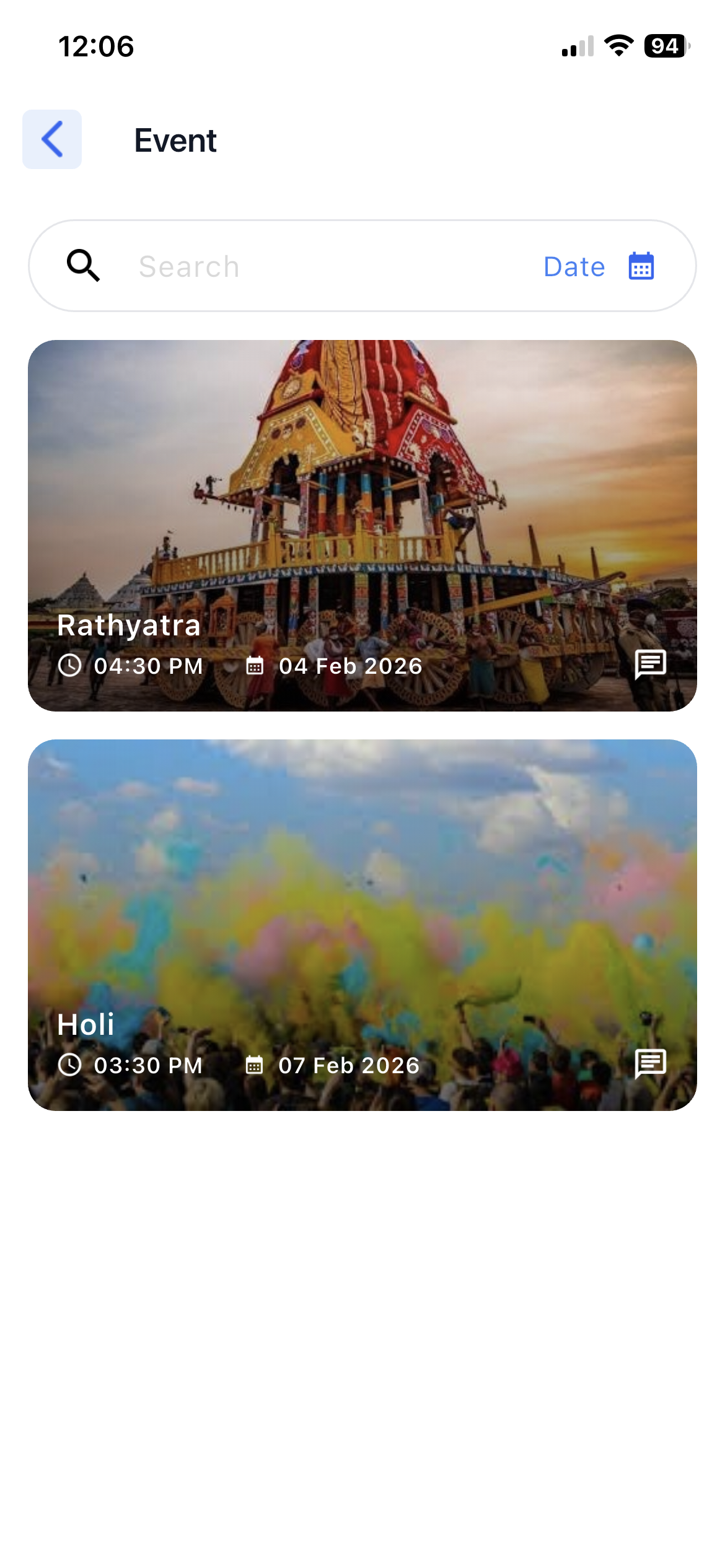
To view and participate in society events.
Details:
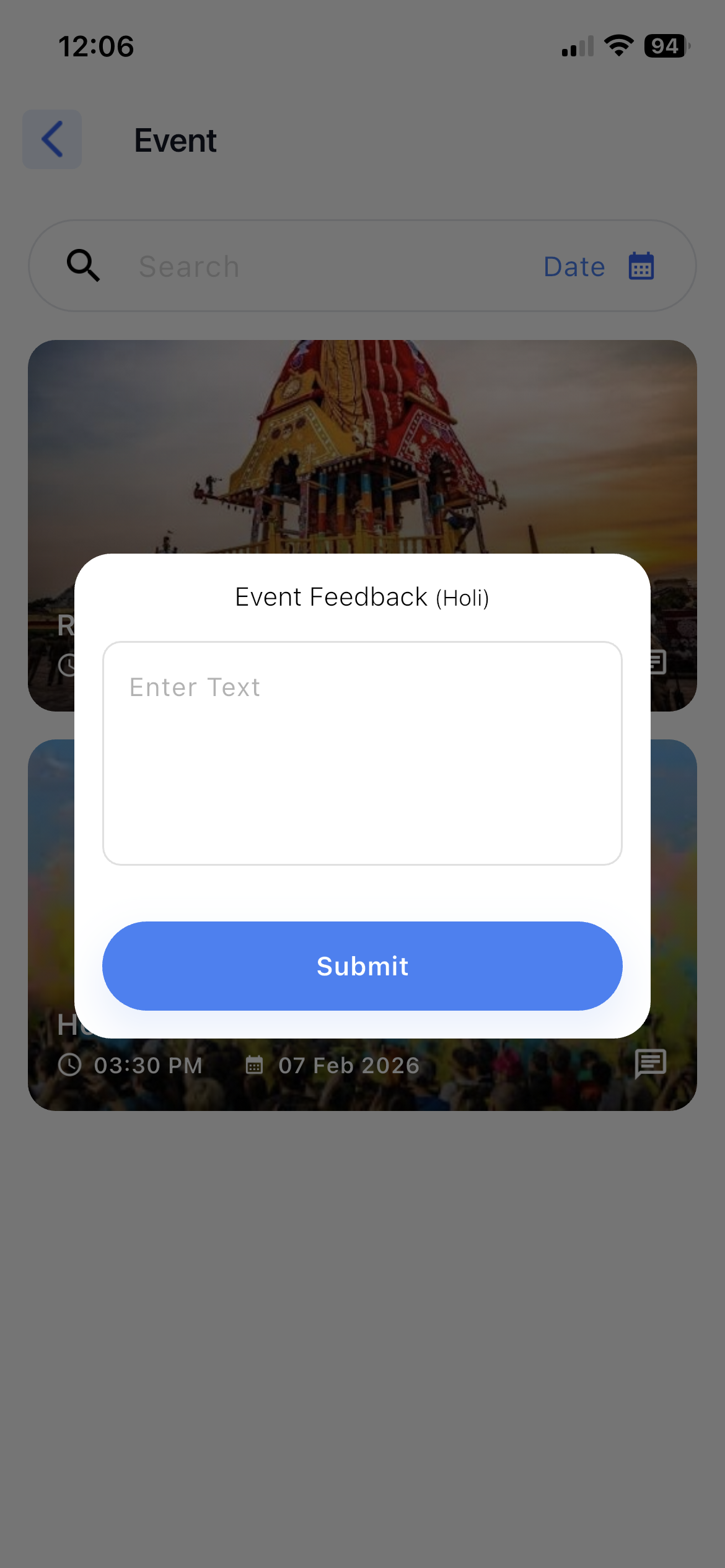
- View all events and send feedback for events
- Event details include:
- Event name
- Date & time
- Event image
3. Visitor Management
Purpose:
To manage visitor entry in advance.
Details:
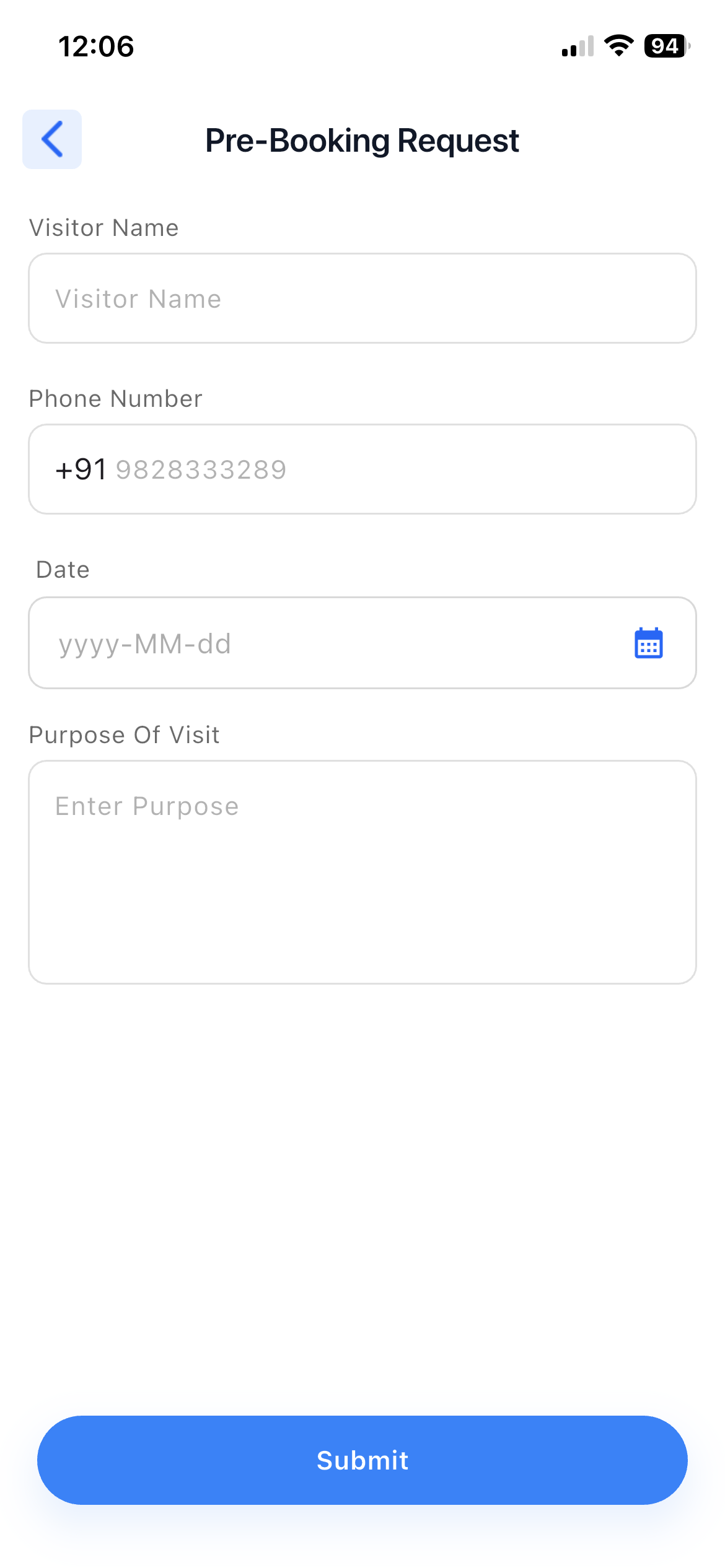
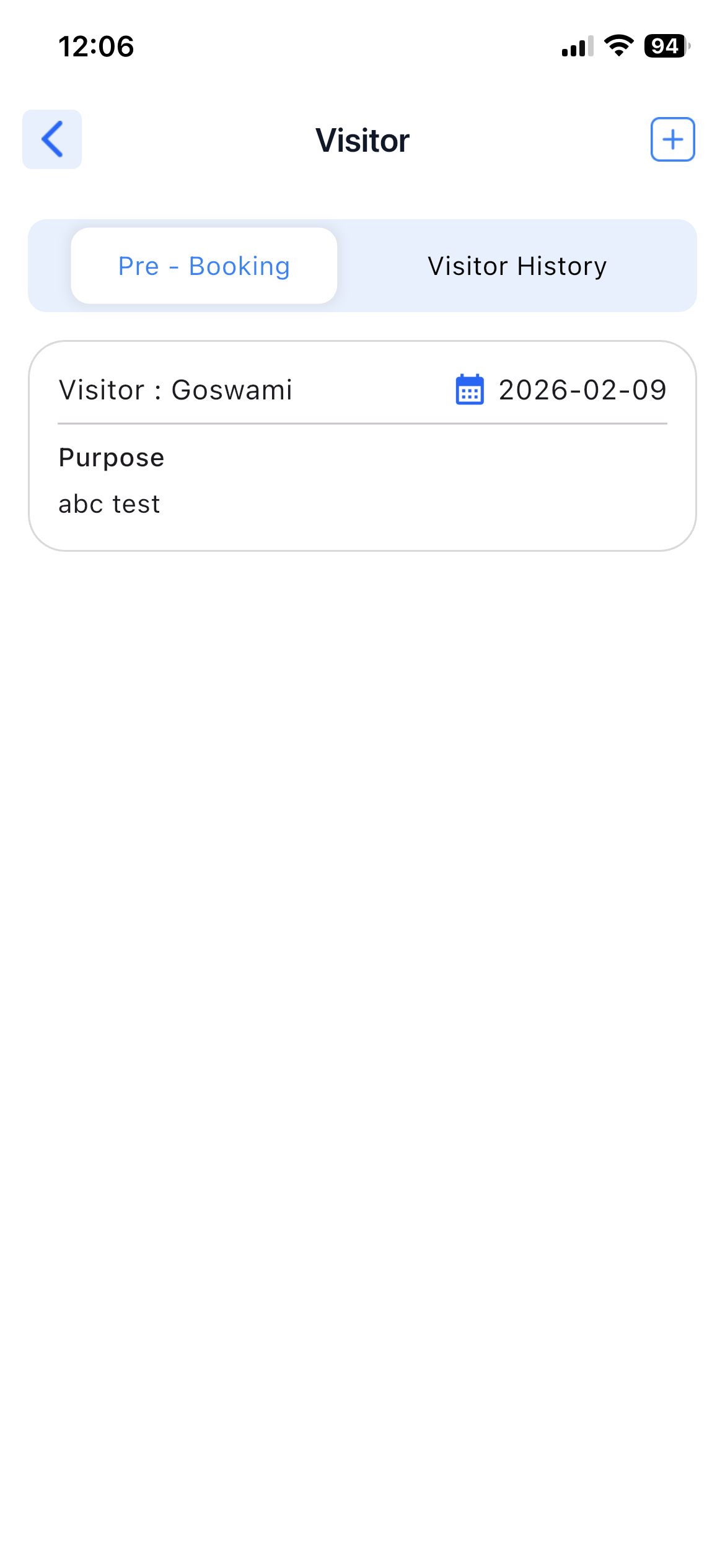
- Create pre-visitor booking
- Add visitor details before arrival
- View visitor entry status (Approved / Rejected)
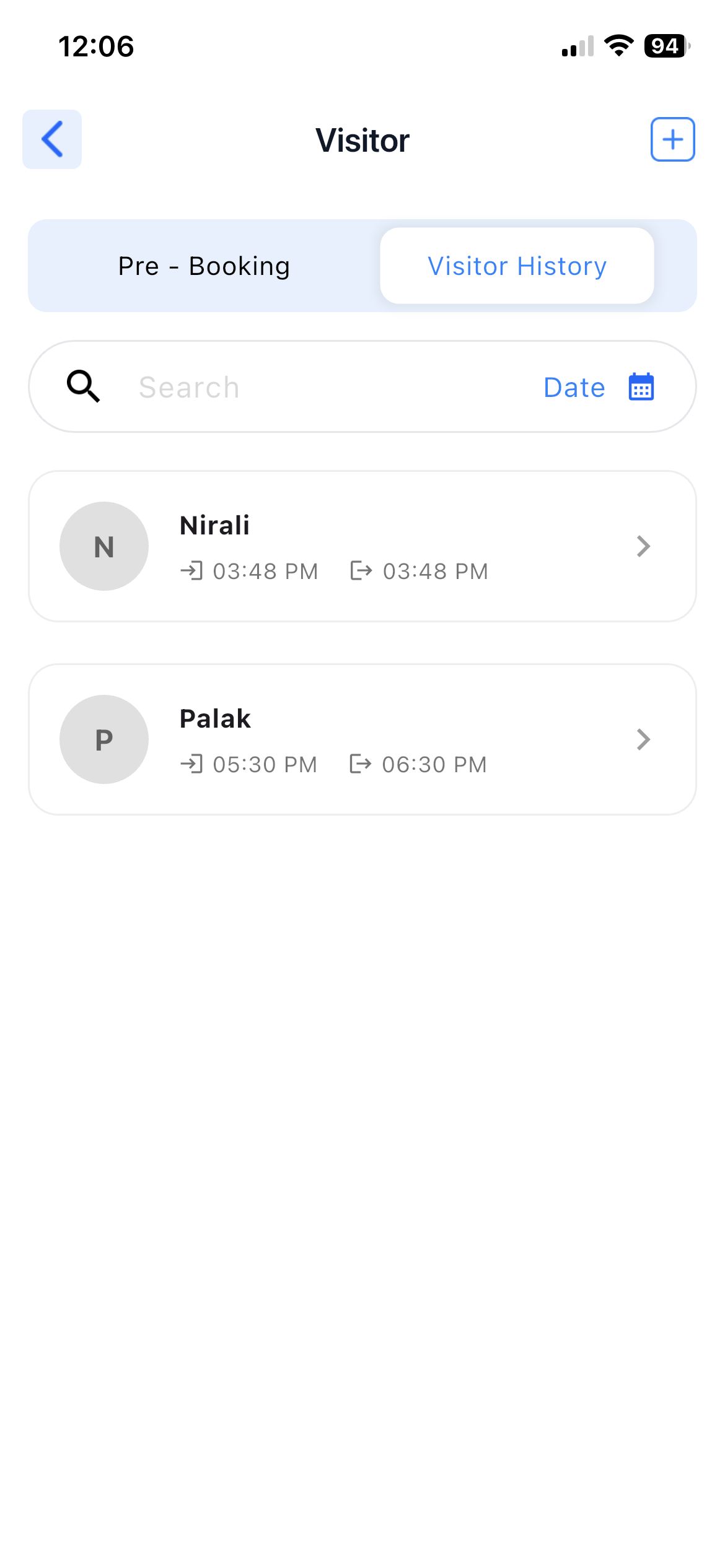
- Track visitor history
4. Amenities Booking
Purpose:
To book society amenities.
Details:
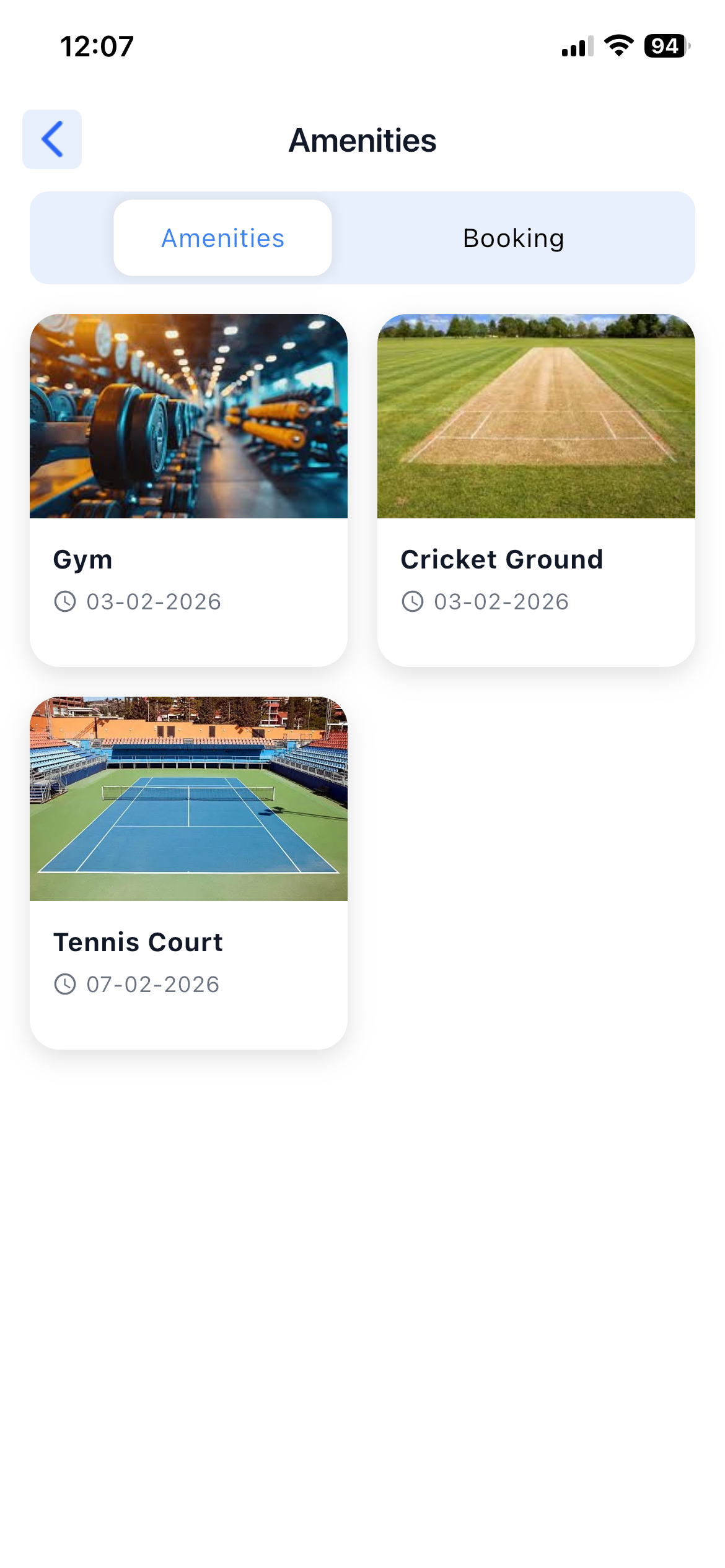
- View available amenities
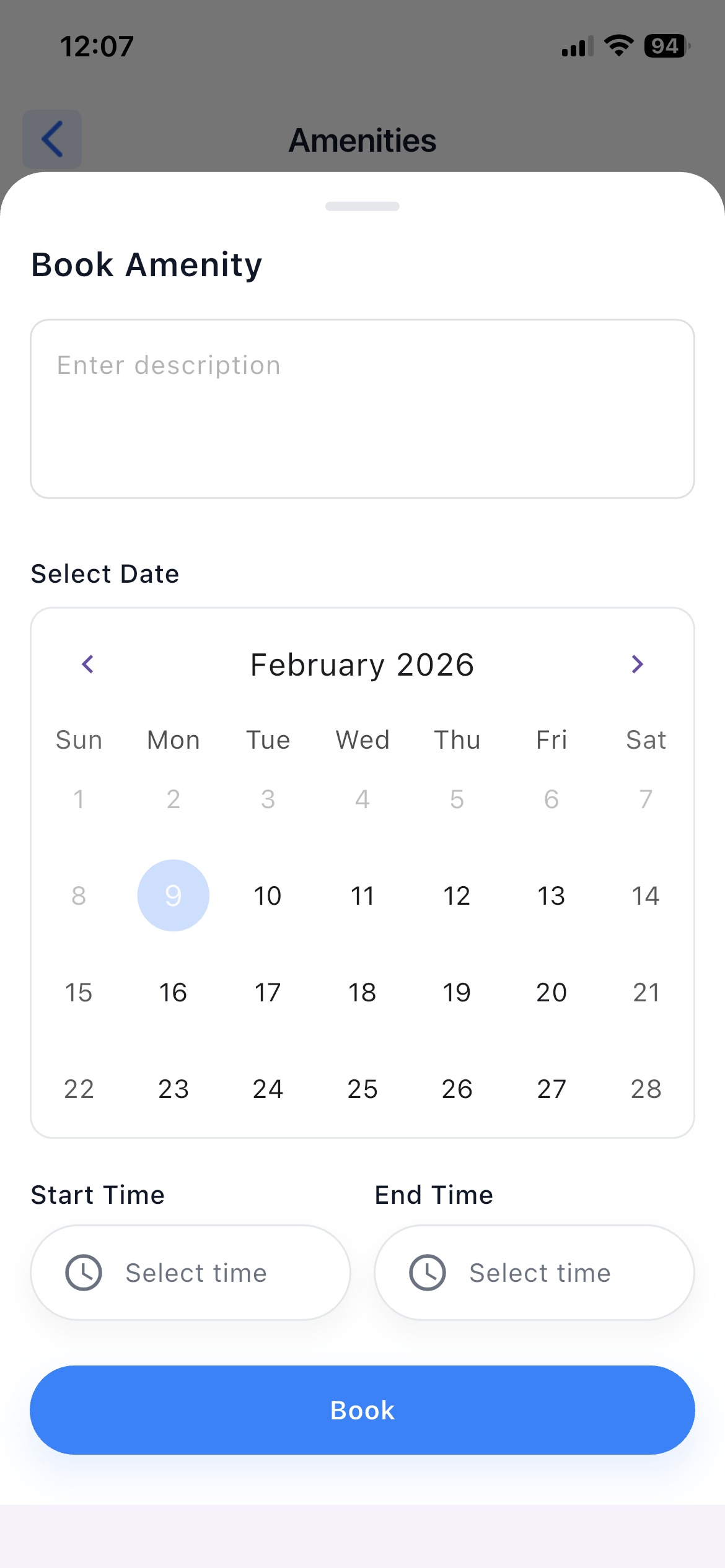
- Book amenities time-slot wise
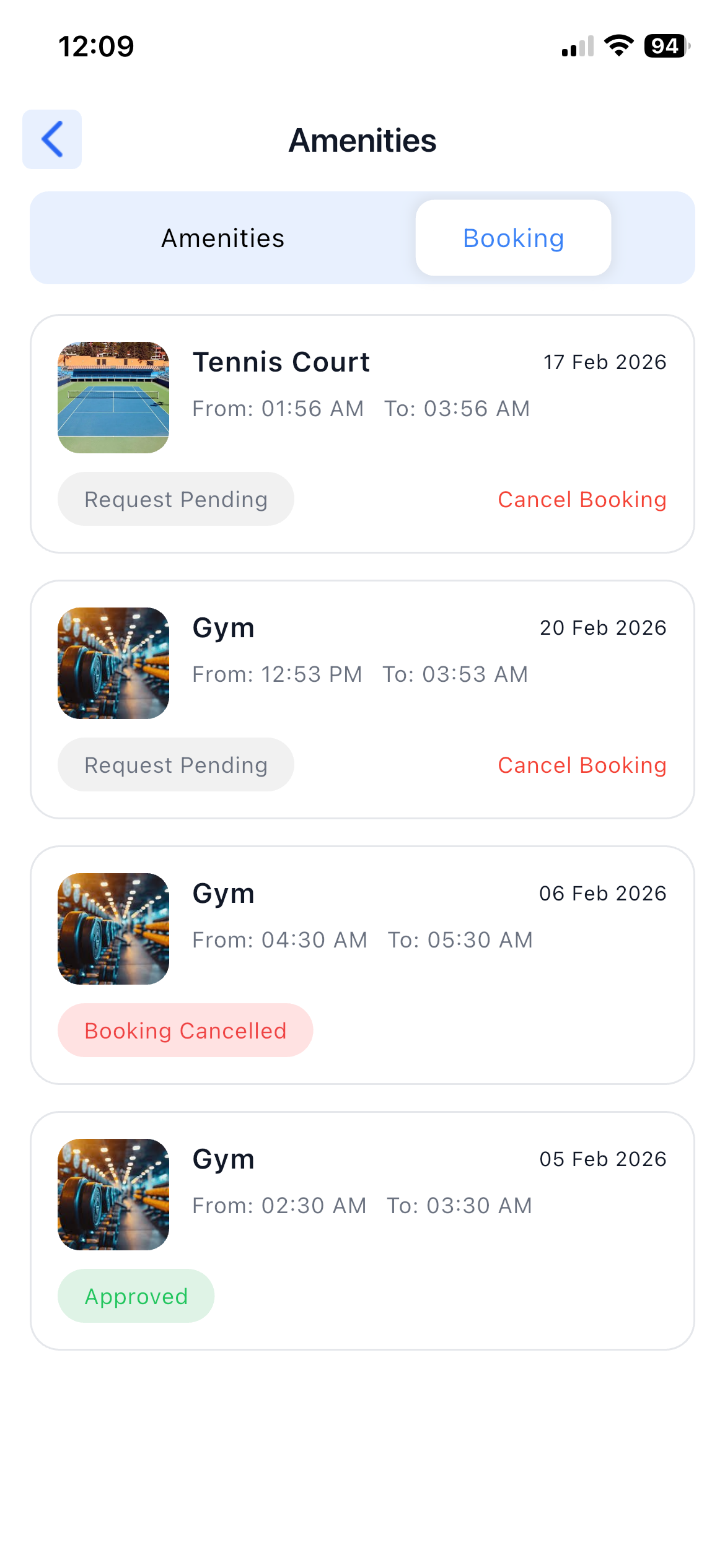
- Check booking status and history
5. Maintenance Bills
Purpose:
To manage maintenance payments.
Details:
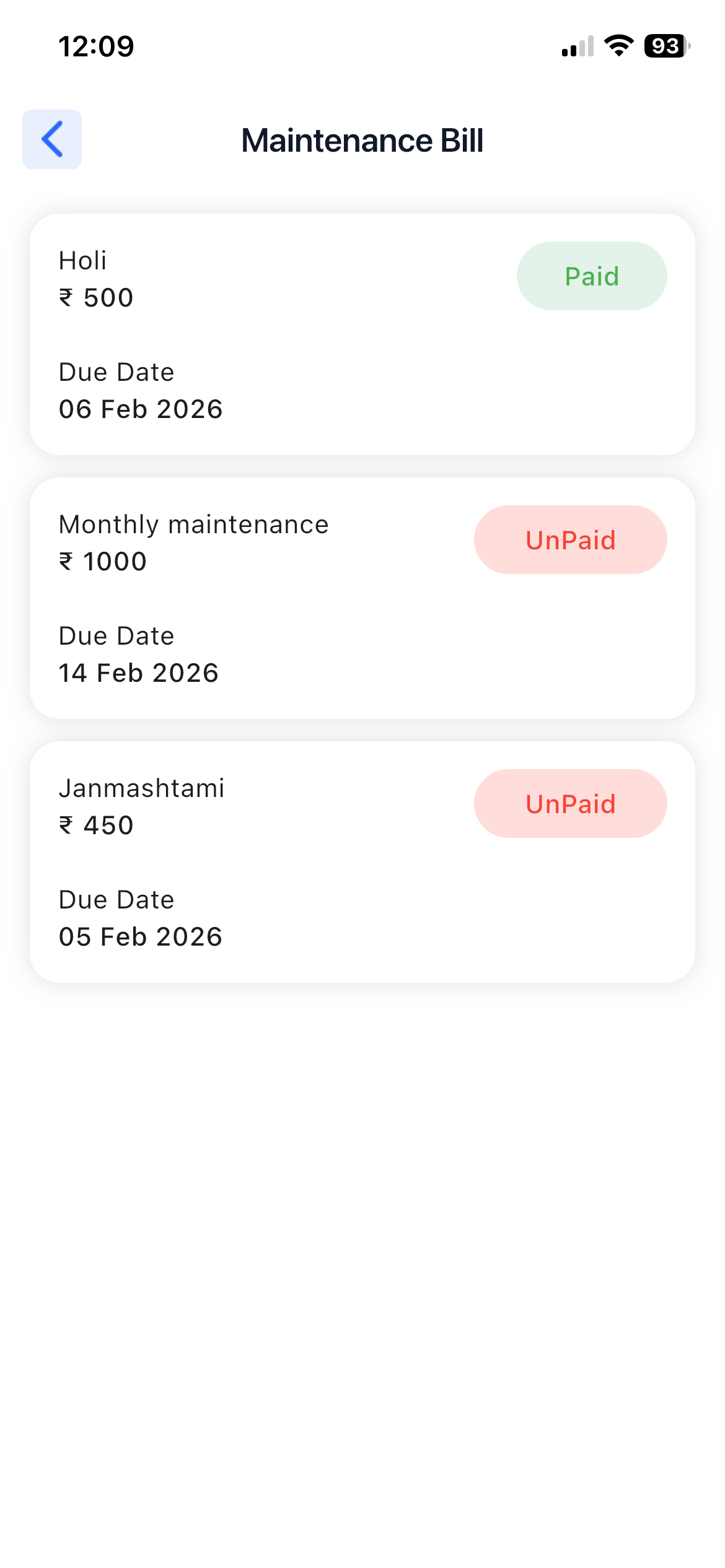
- View paid and unpaid maintenance bills
- Check bill amount and due dates
- View payment history
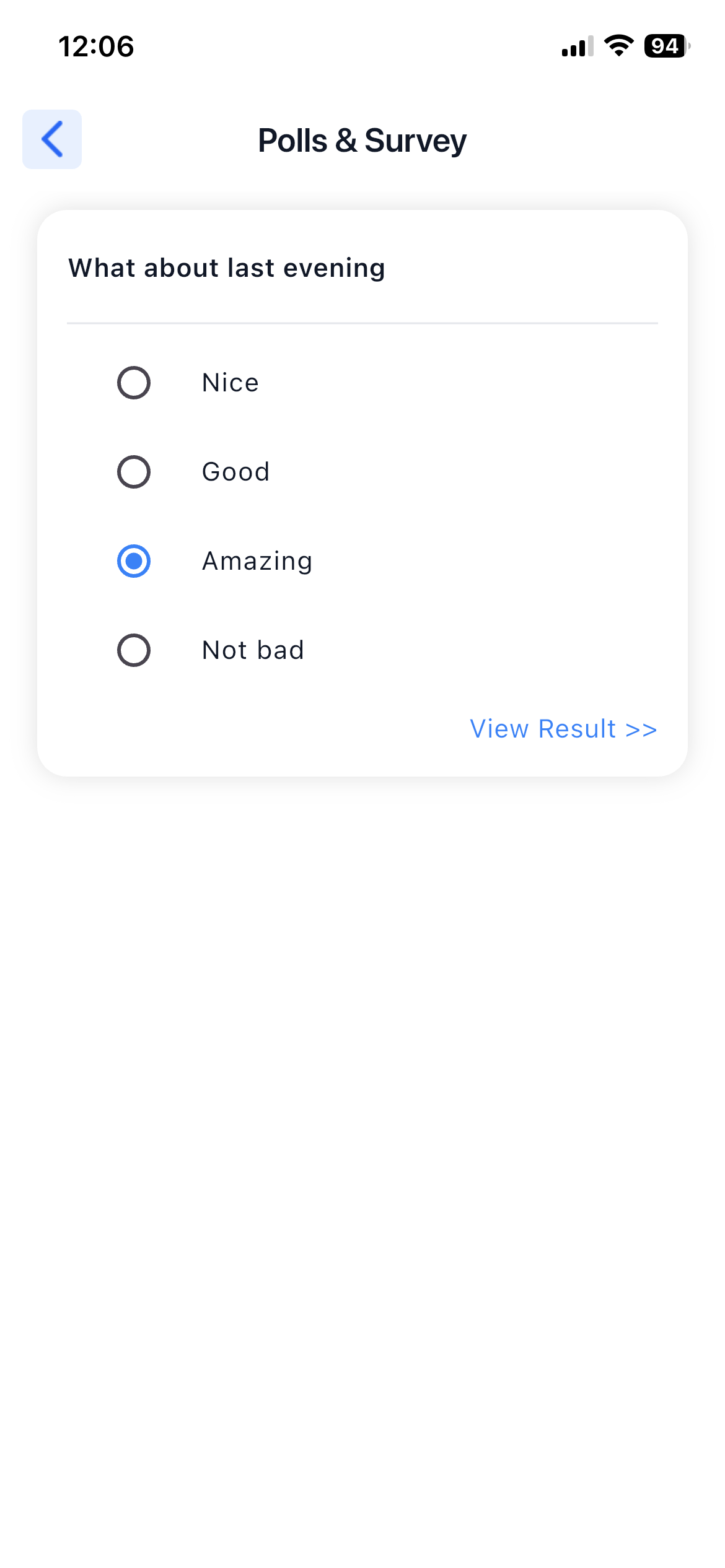
6. Poll & Survey
Purpose:
To participate in society polls and surveys.
Details:
- View active polls and surveys
- Submit votes or responses
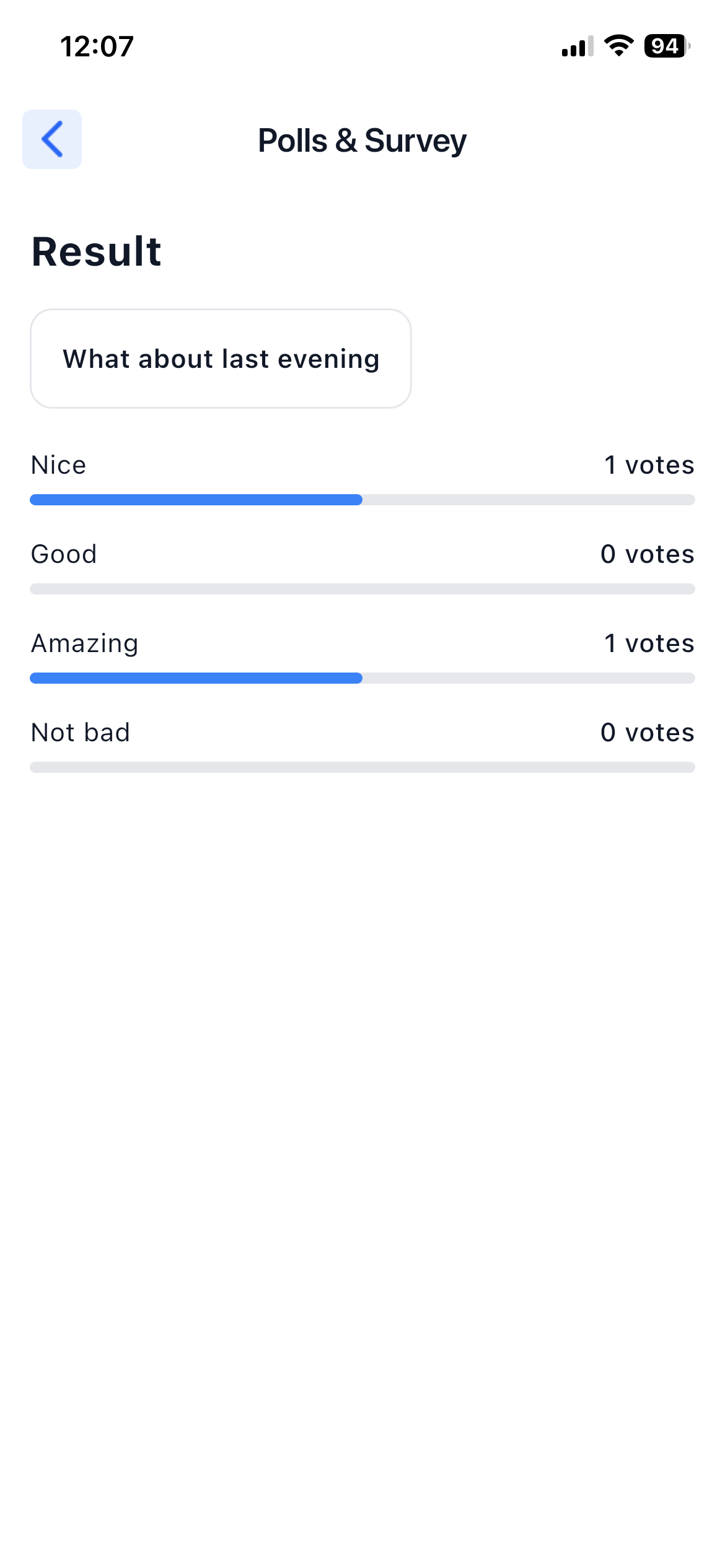
- View results