Society Admin App - User Guide
Society Admin App
The Admin App is designed for society administrators to manage all aspects of society operations from a single, centralized platform.
1. Admin Dashboard
When you open the app, you will see the Admin Home Screen.
From here, you can access all important society management modules.
Available Modules:
- Society & Flat Management
- User Management (Member & Staff)
- Amenities
- Maintenance Bill
- Visitor Management
- Notice
- Event
- Reports
- Feedback
- Poll & Survey
- Society Maintenance
2. Society & Flat Management
Purpose:
To register and manage societies and flats.
Details:
- Tap the top-left corner to open the drawer, then select Manage Residency.
- Register society by selecting type:
- Flat-wise / Number-wise
- Block-wise
- Enter residency / society name
- Add blocks (for block-wise societies)
- Define number of houses or flats in each block
3. User Management (Members & Staff)
Purpose:
To manage all society users from one place.
Details:
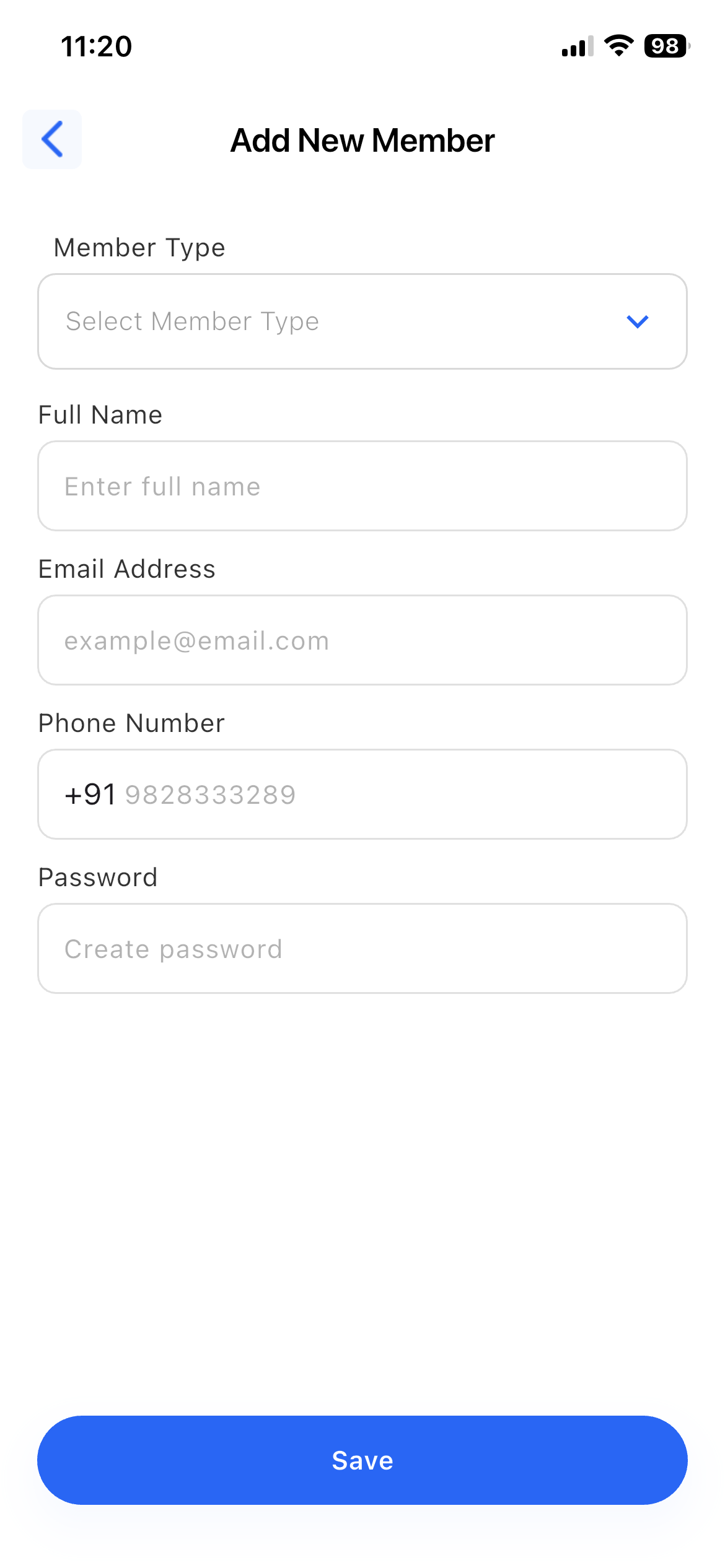
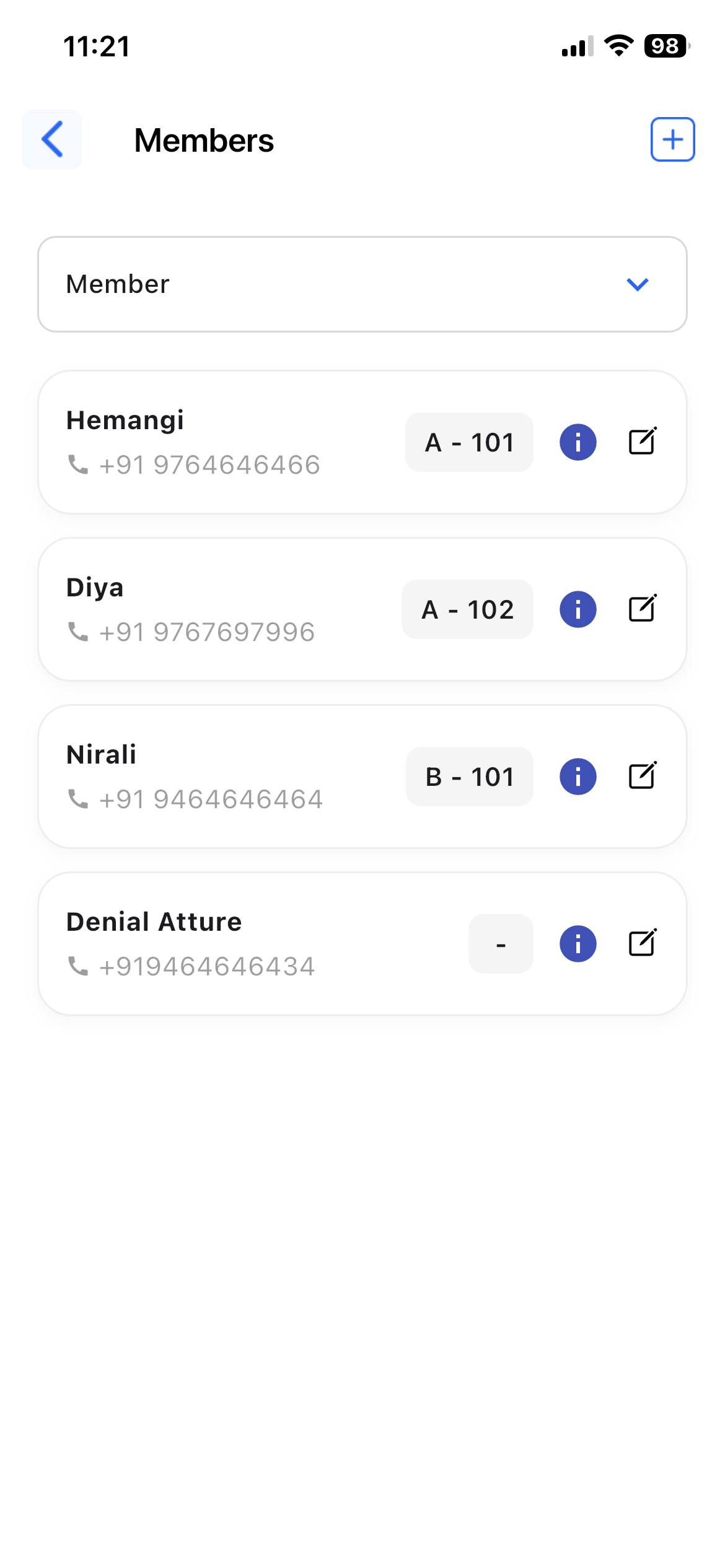
- Add and manage members
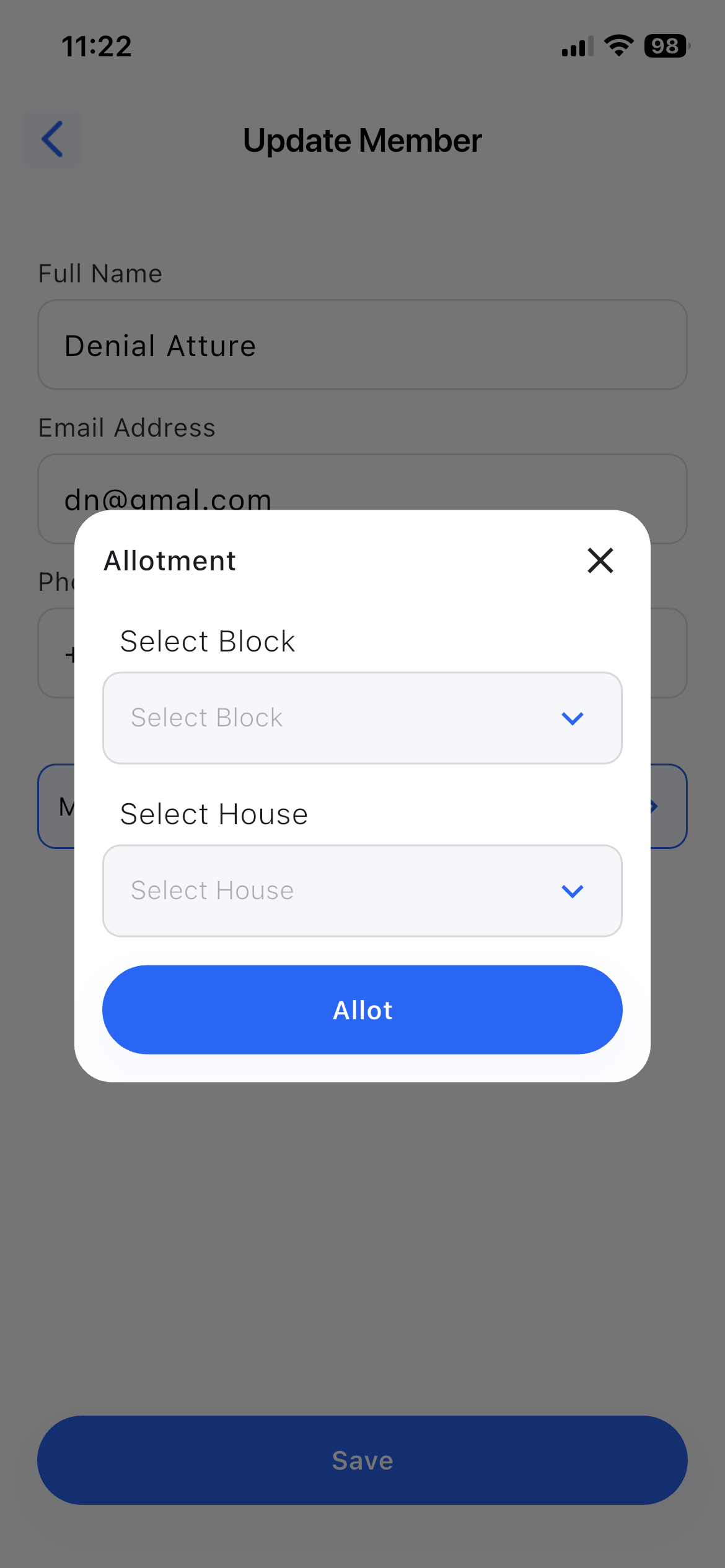
- Allocate members to flats
- Add and manage staff
- Assign roles and responsibilities
- Update user details and access
4. Amenities
Purpose:
To manage society amenities.
Details:
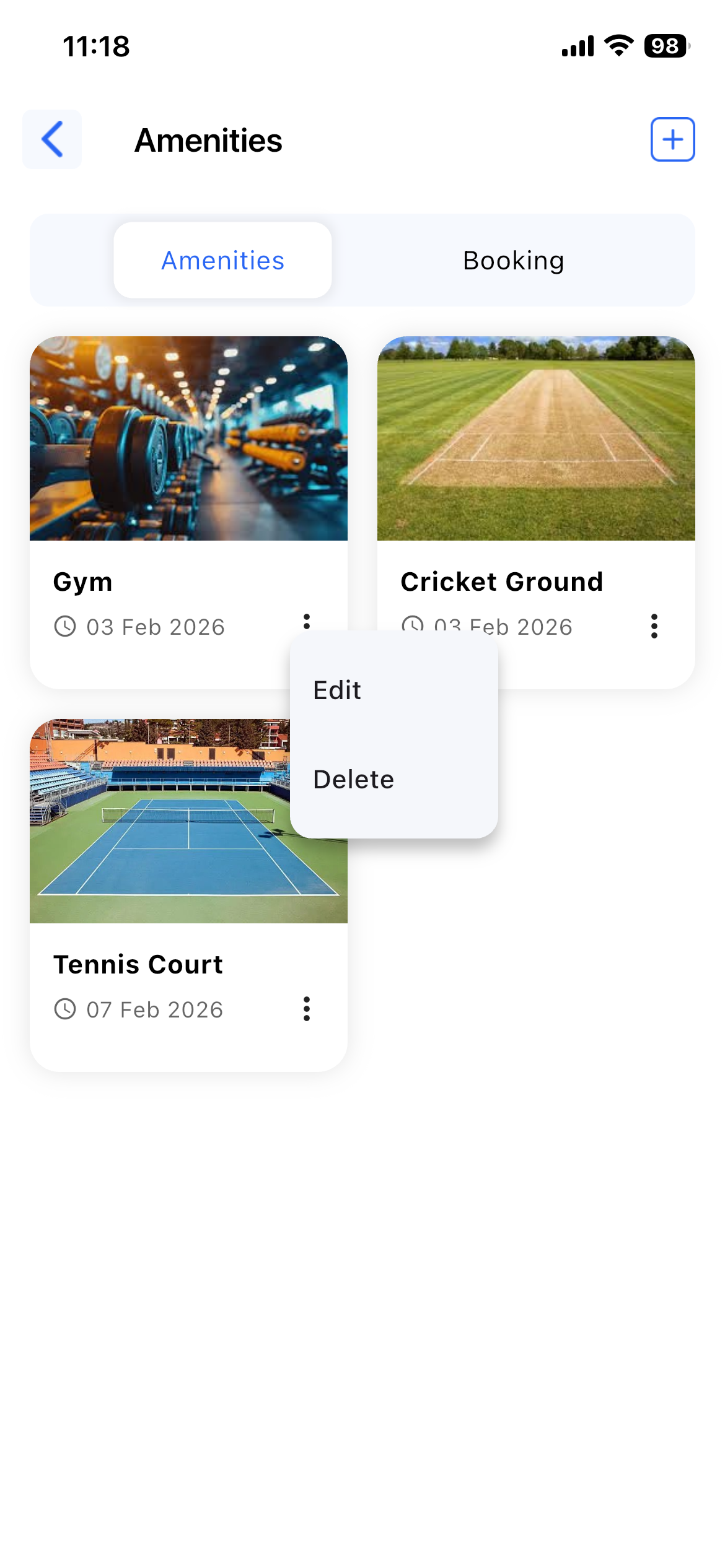
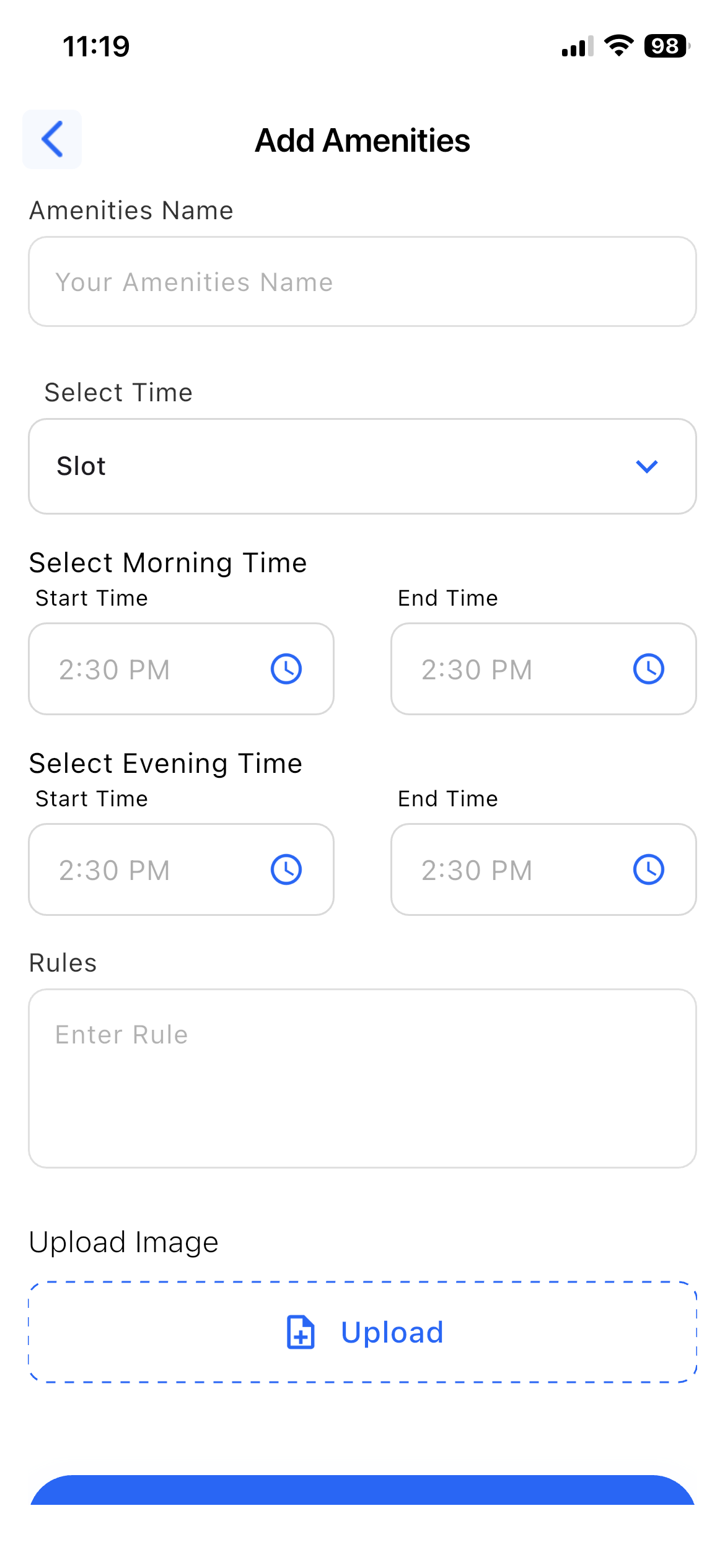
- Add and manage amenities (Gym, Hall, Garden, Parking, etc.)
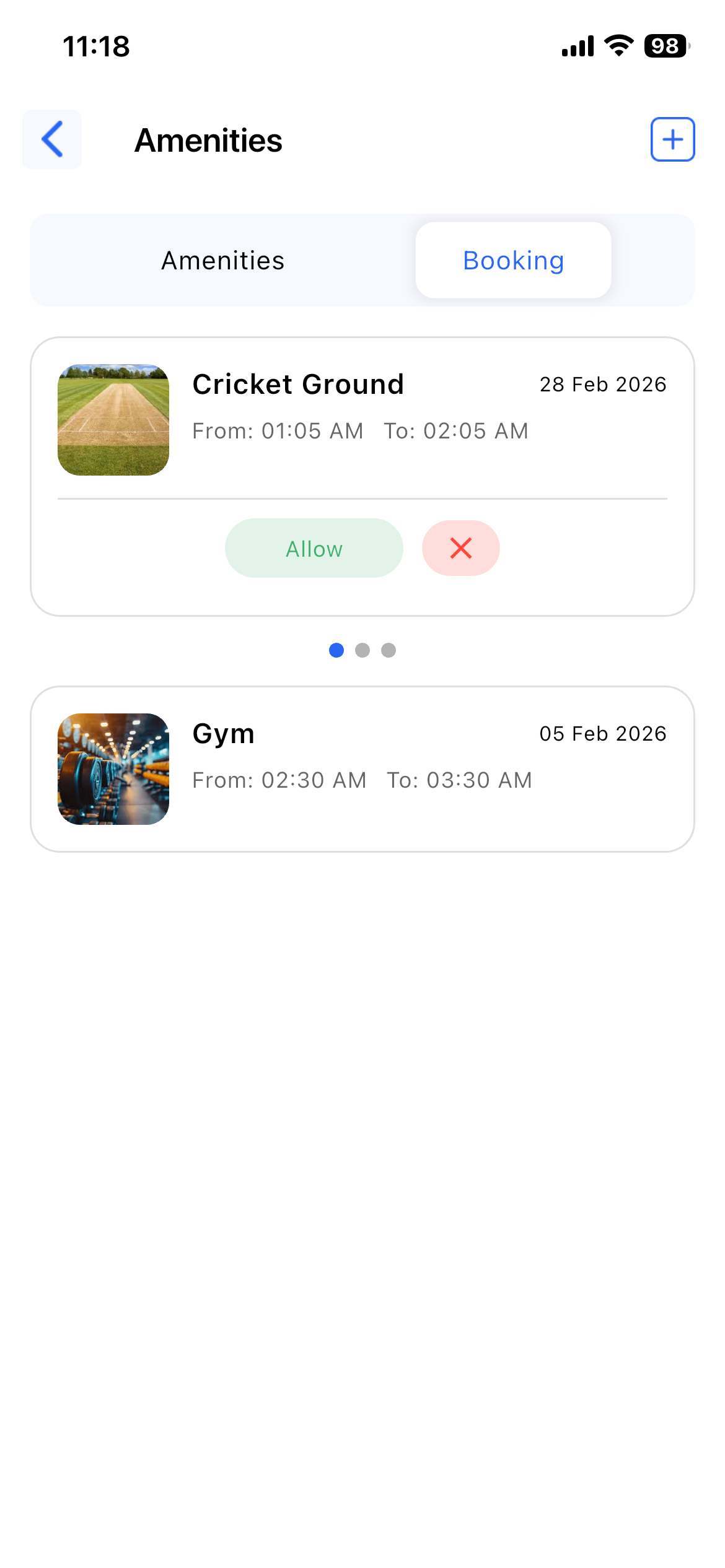
- Control availability and booking access
- View amenity usage and booking status
5. Maintenance Bill
Purpose:
To manage maintenance charges and payments.
Details:
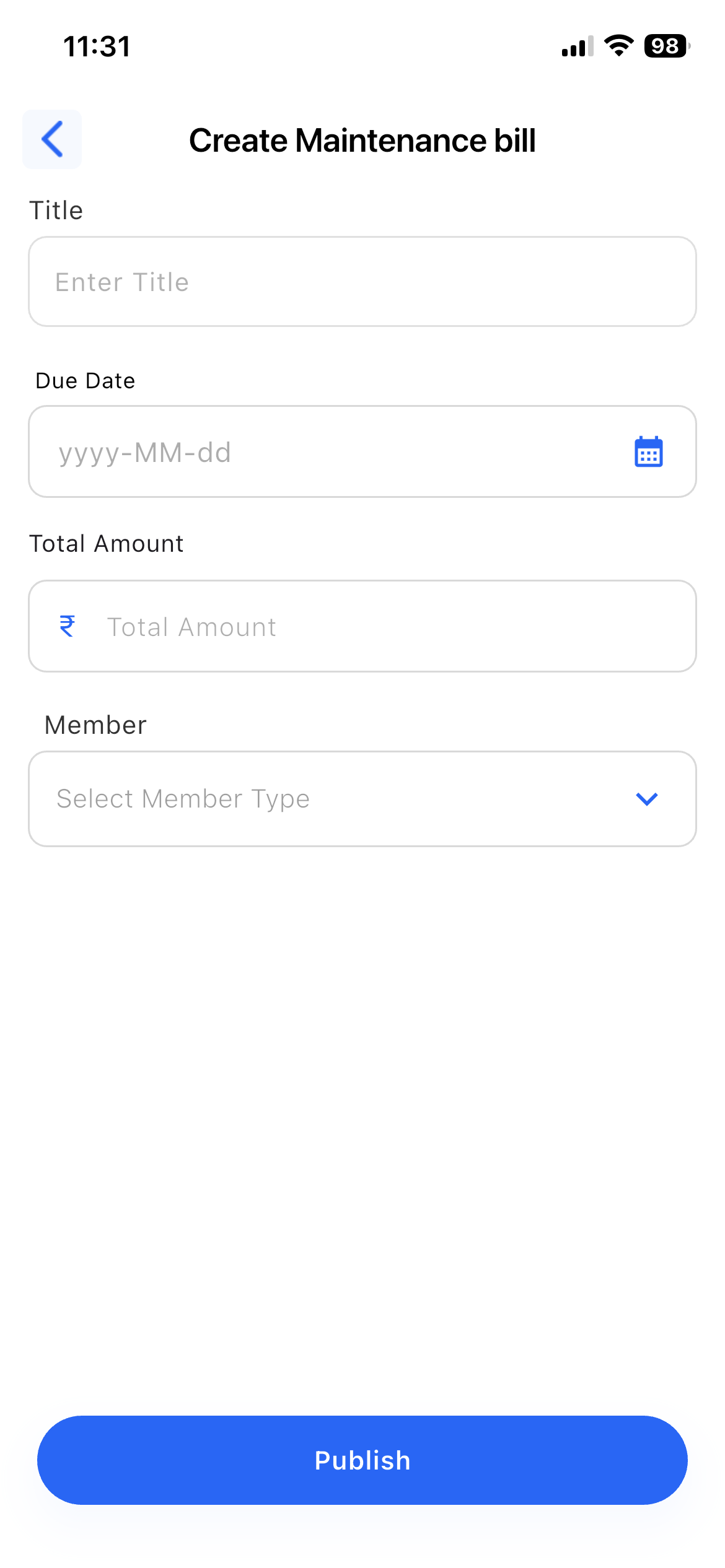
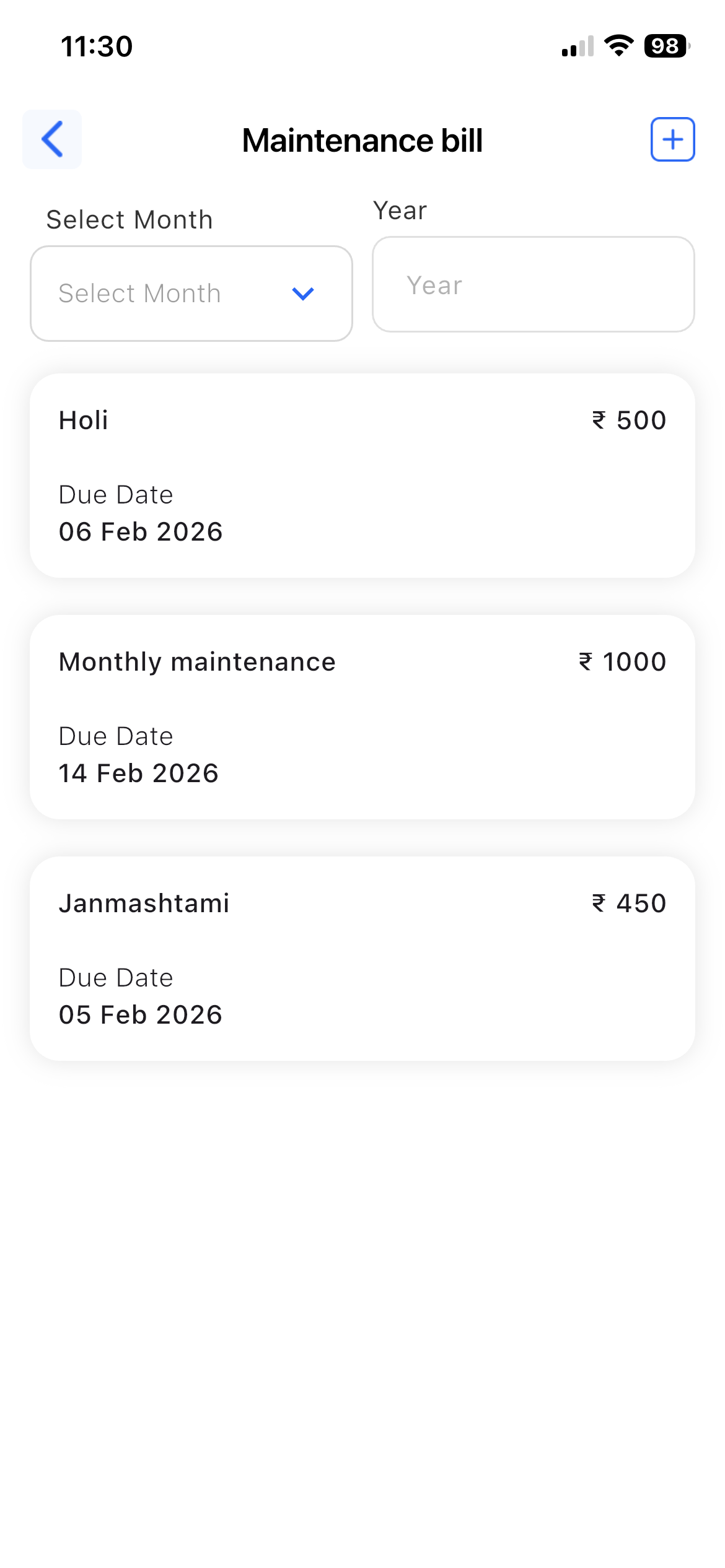
- Generate maintenance bills
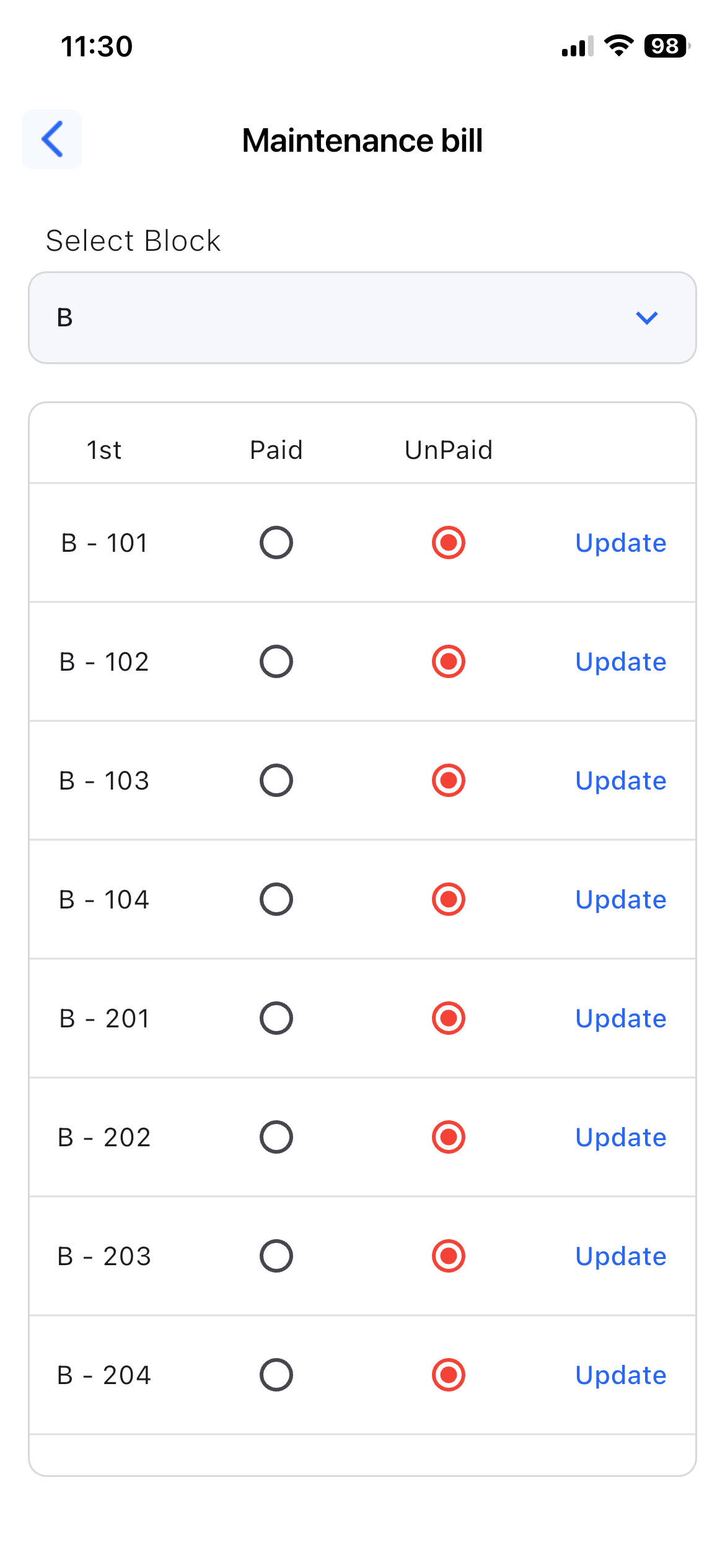
- View paid and unpaid bills
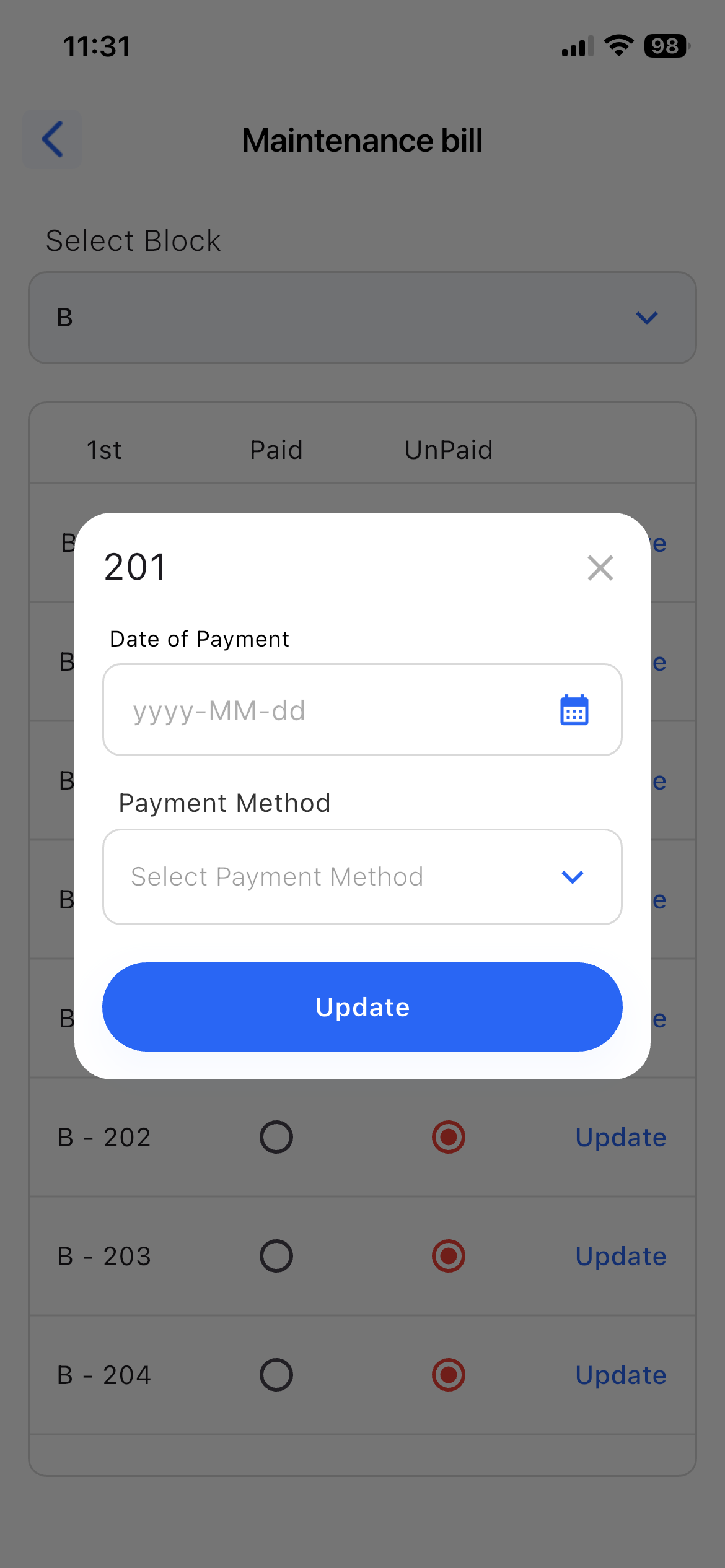
- Update payment status by adding: Payment date & method (Cash, Online)
6. Visitor Management
Purpose:
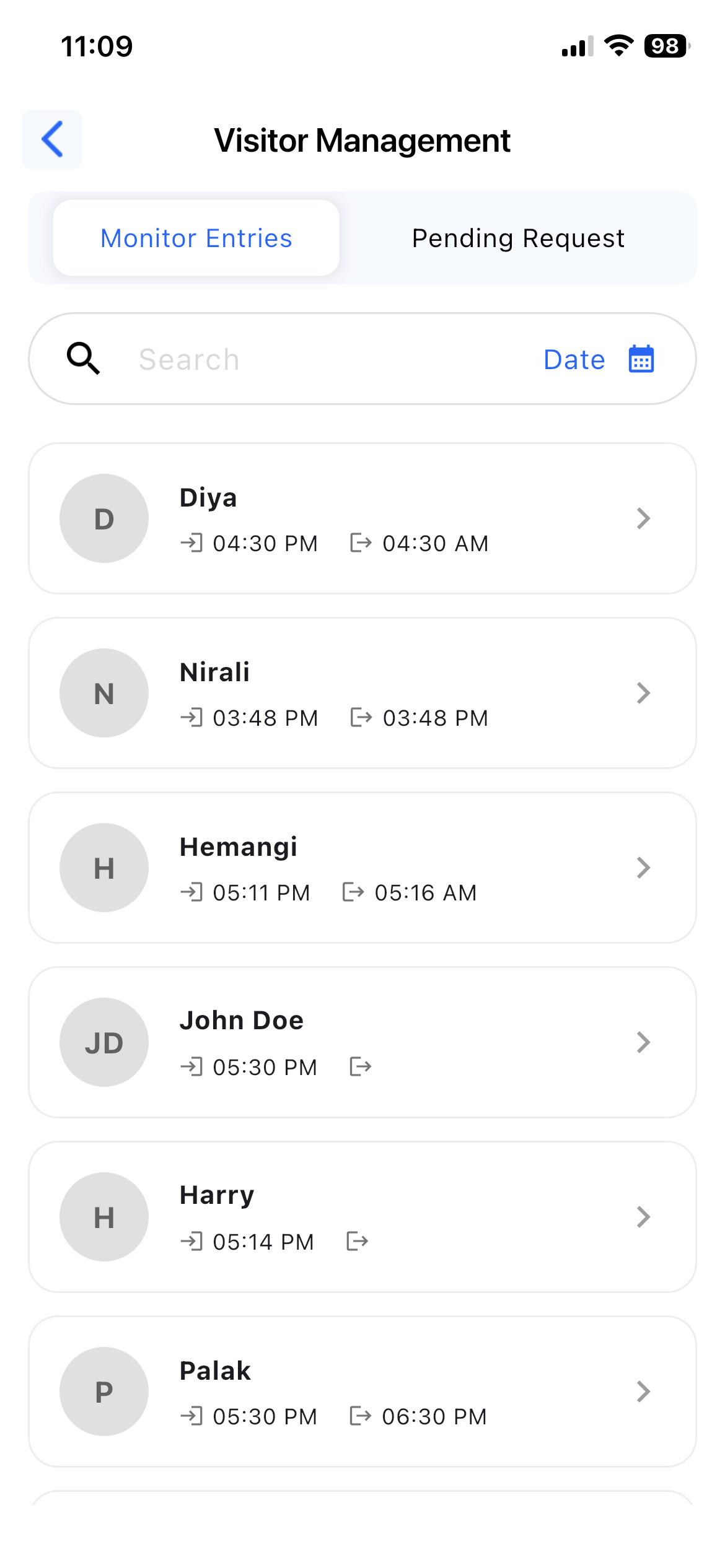
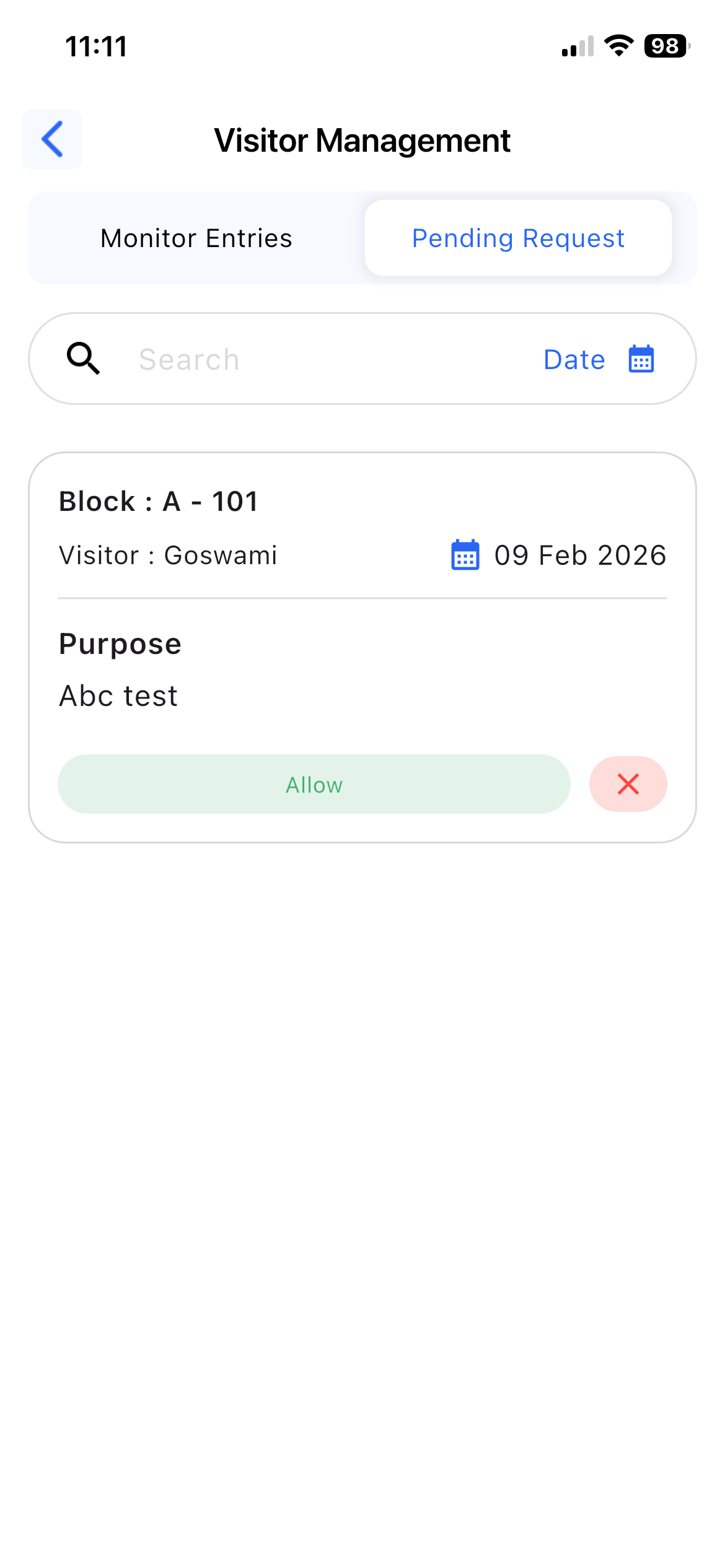
To monitor and control visitor entries.
Details:
- Monitor live visitor entries
- View check-in and check-out time
- Approve or reject pre-booked visitor requests
- Maintain visitor entry records
7. Notice
Purpose:
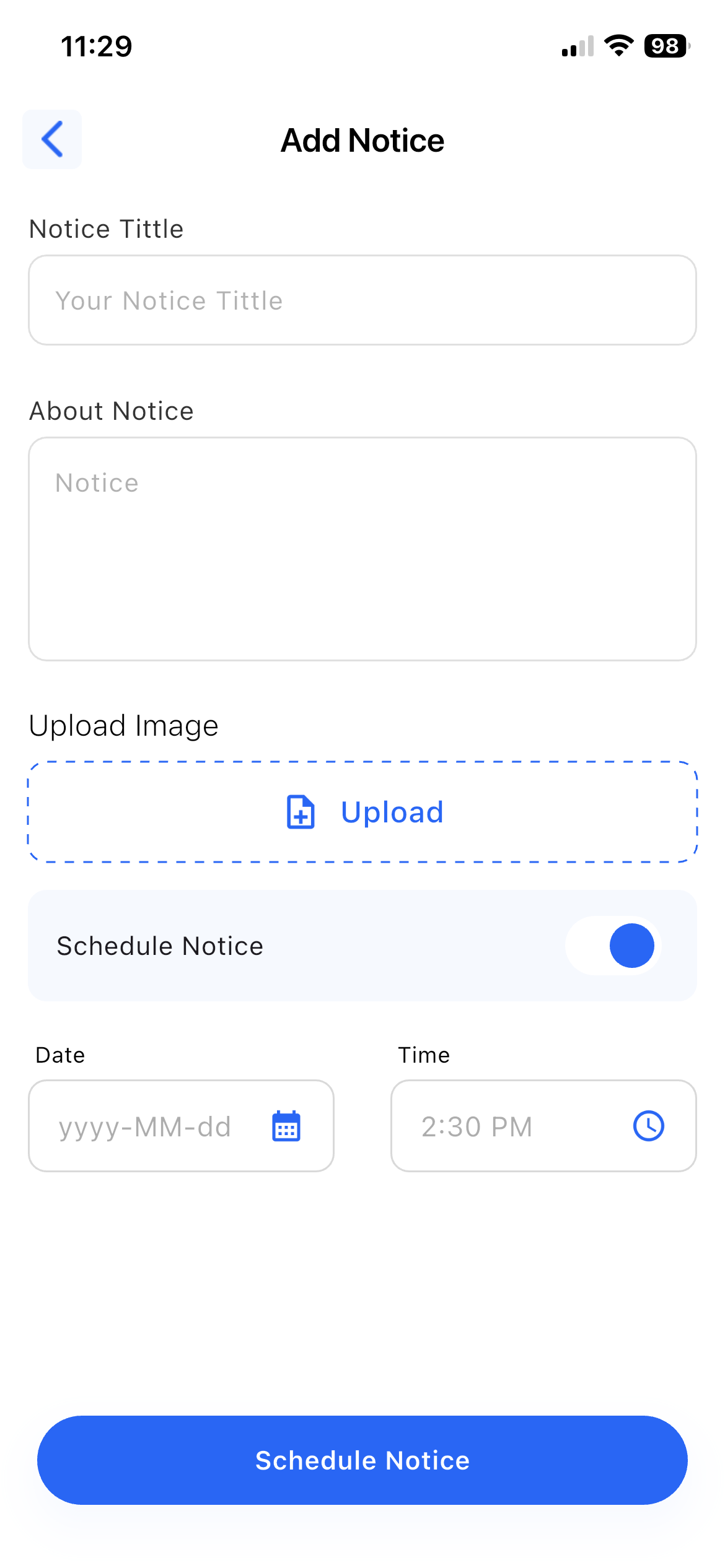
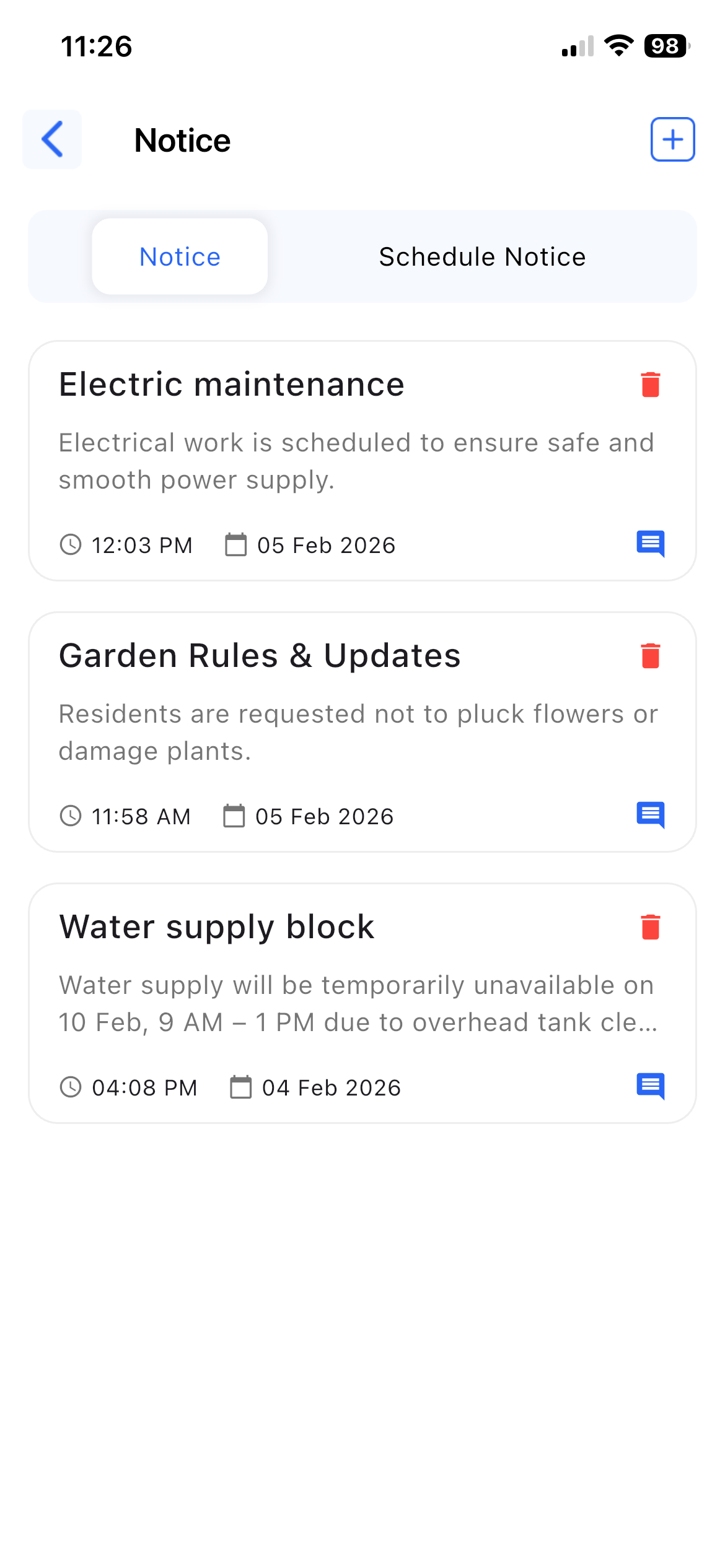
To share important announcements.
Details:
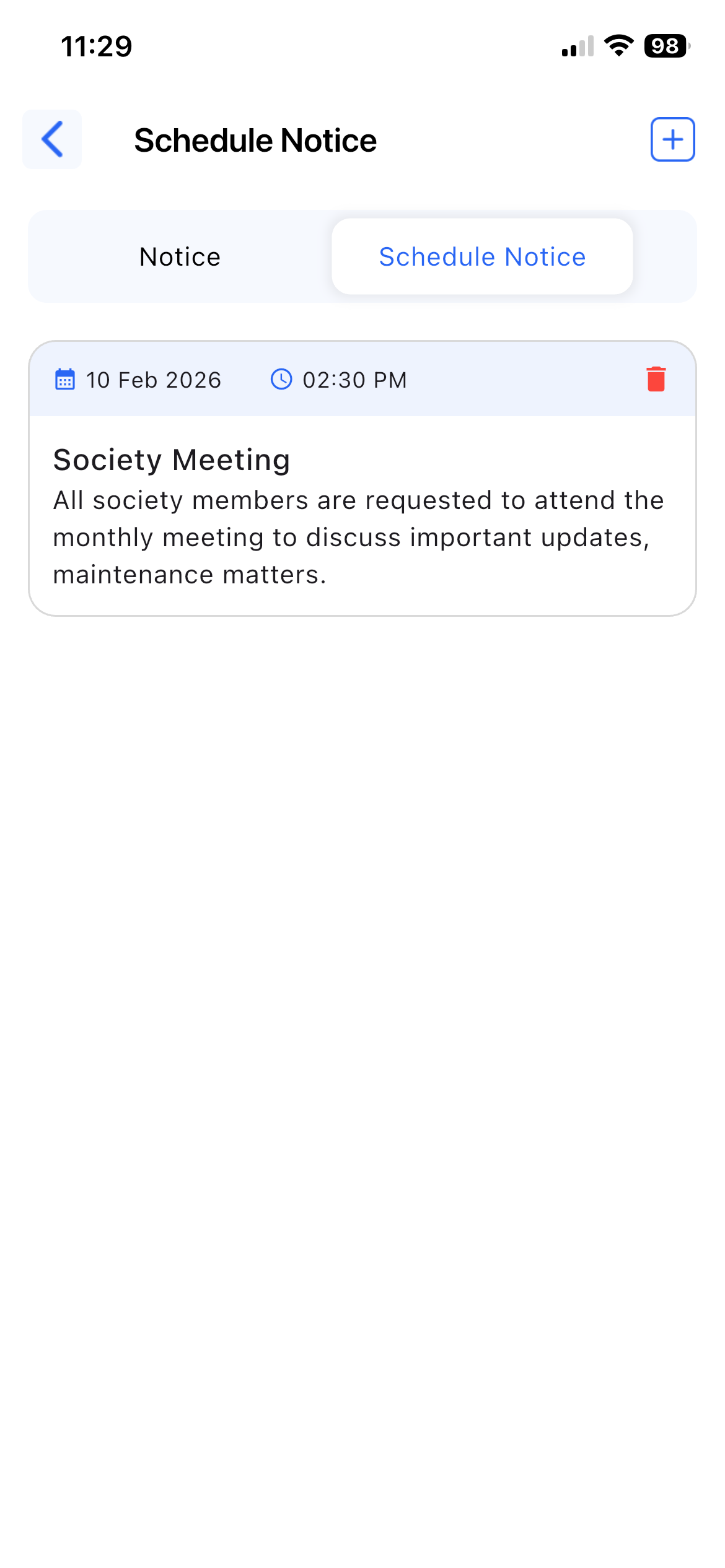
- Create and publish notices
- View notice and schedule notices
- Notices include title, date, and description
8. Event
Purpose:
To manage society events.
Details:
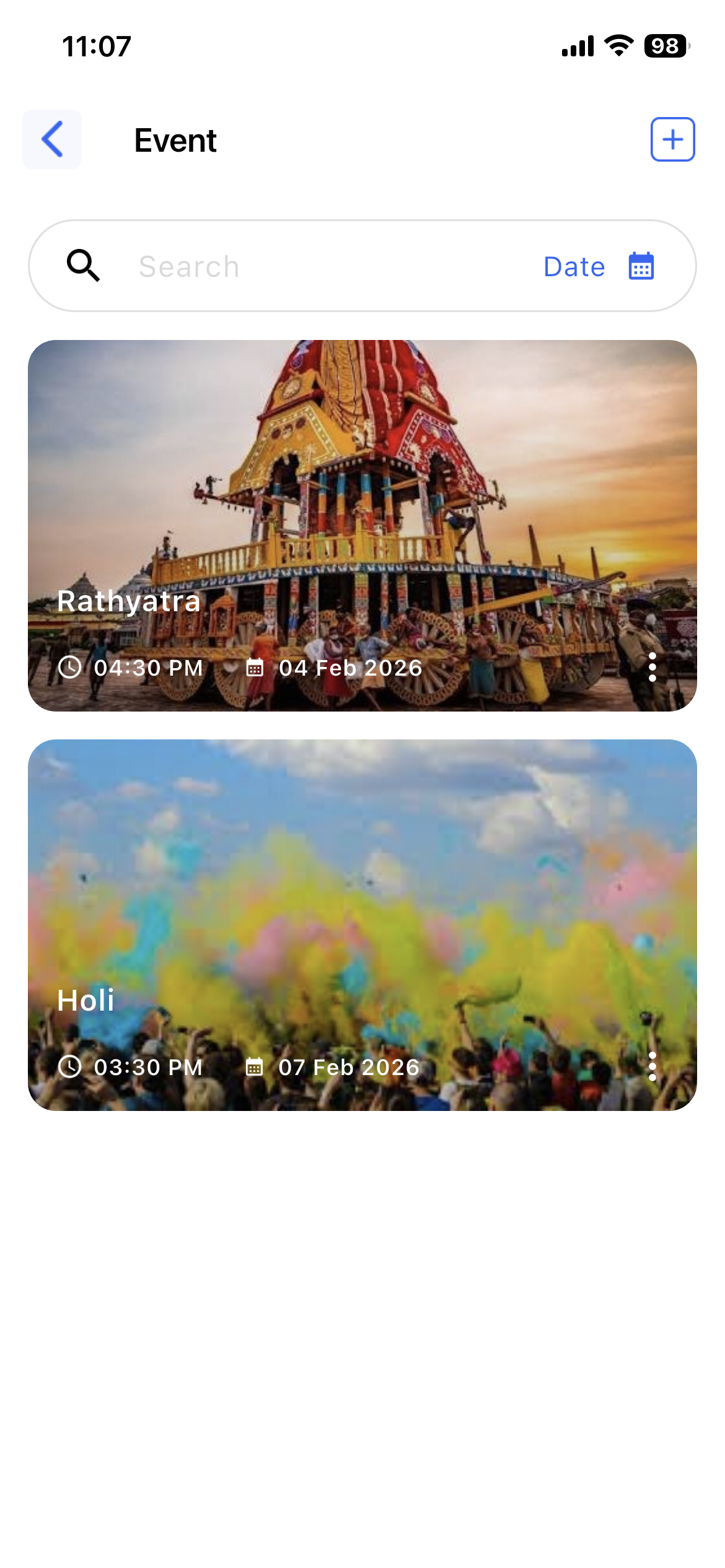
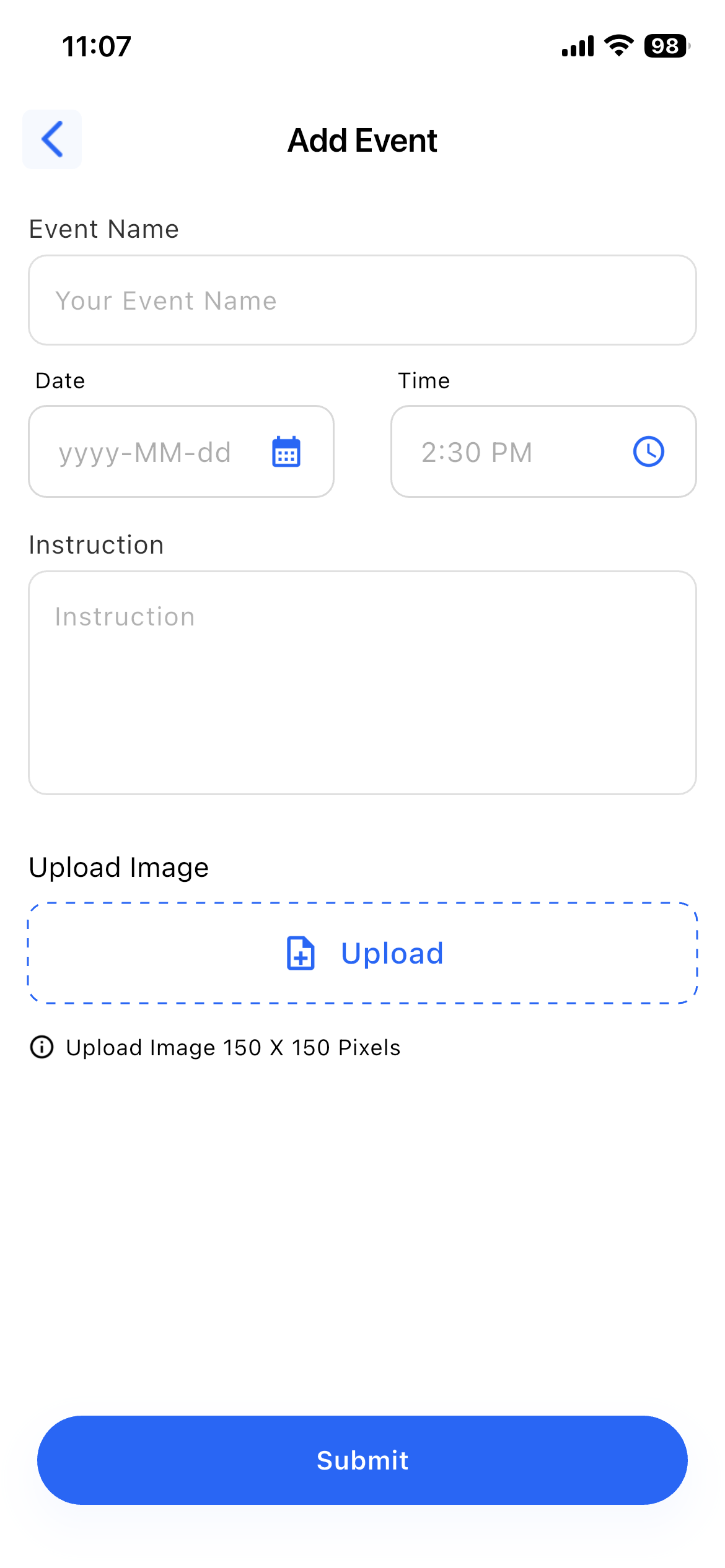
- Create and manage events
- View Today, History, and Upcoming events
- Event details include name, date & time, image, and instruction
9. Reports
Purpose:
To generate society reports.
Details:
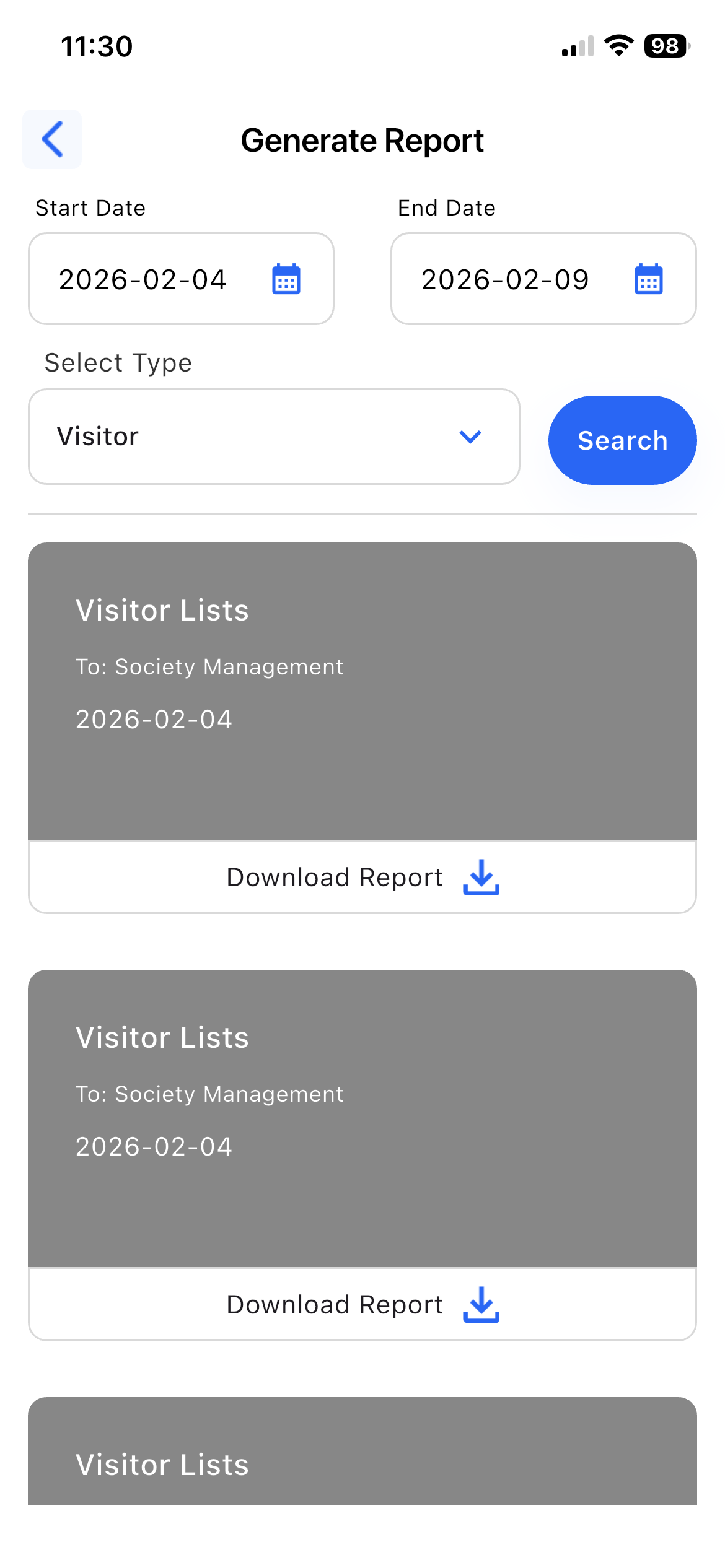
- Select start date and end date
- Choose report type:
- Amenities
- Maintenance Bills
- Visitors
- Generate and download reports
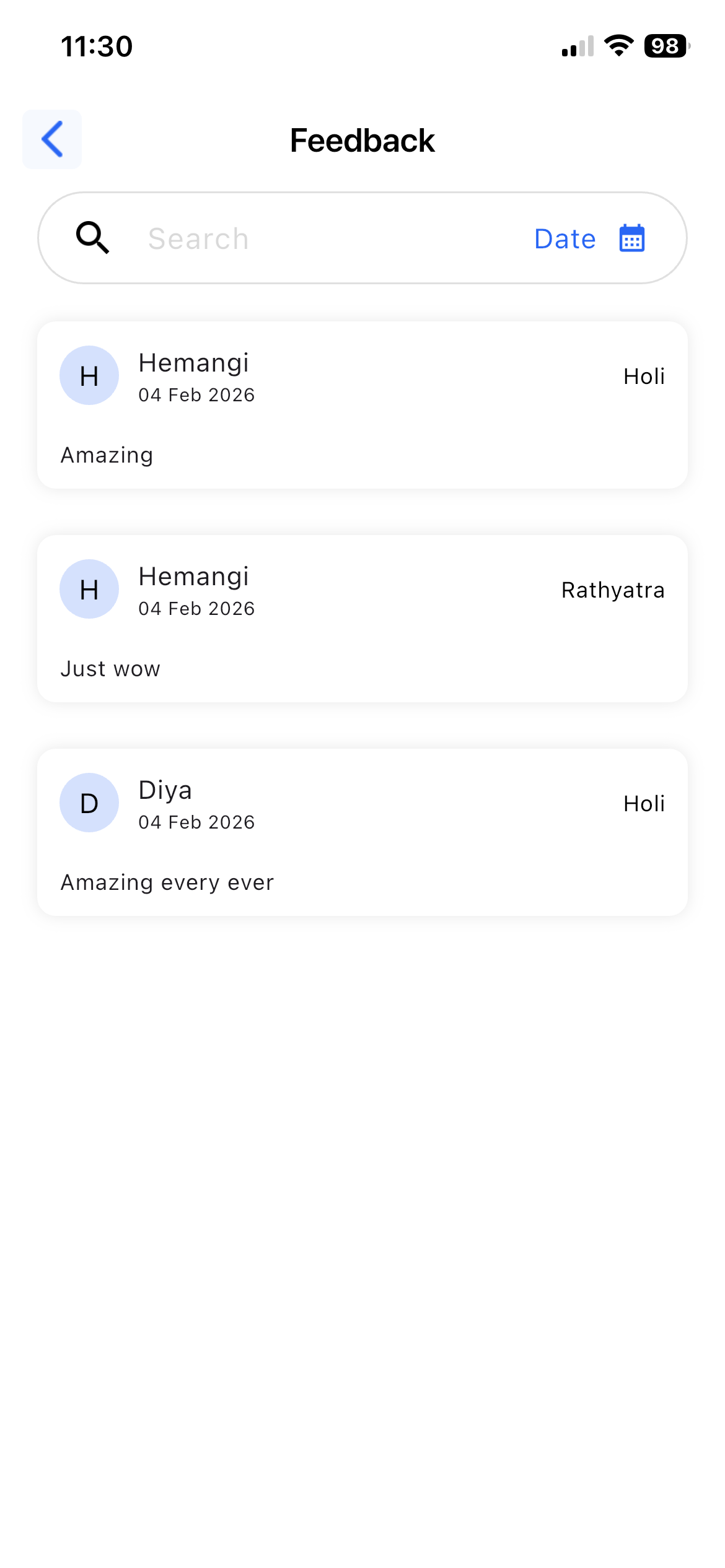
10. Feedback
Purpose:
To view member feedback.
Details:
- View event feedback submitted by members
- Use feedback for improvement
11. Poll & Survey
Purpose:
To collect votes and feedback from society members for decision-making.
Details:
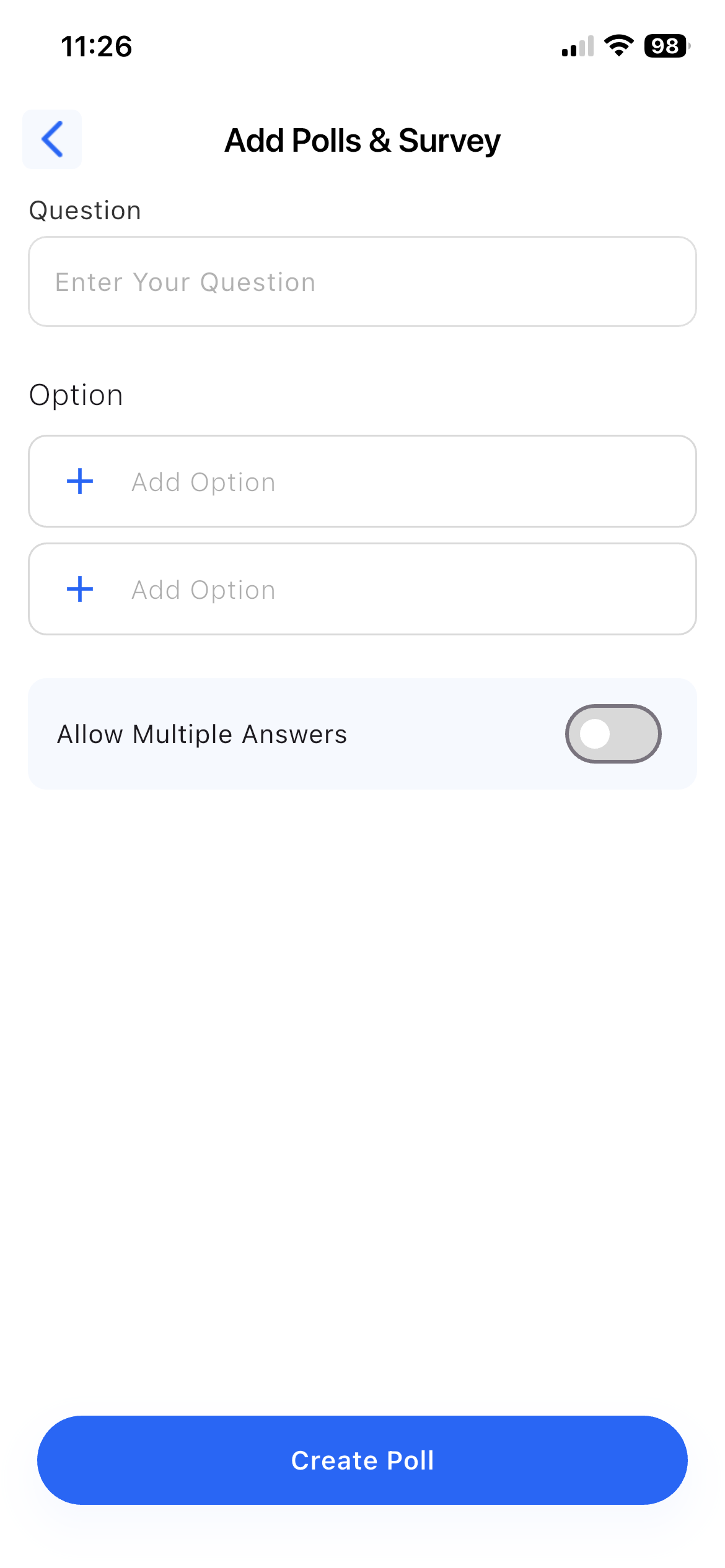
- Create polls and surveys
- Enter poll or survey question
- Add multiple options for selection
- Publish polls and surveys to members
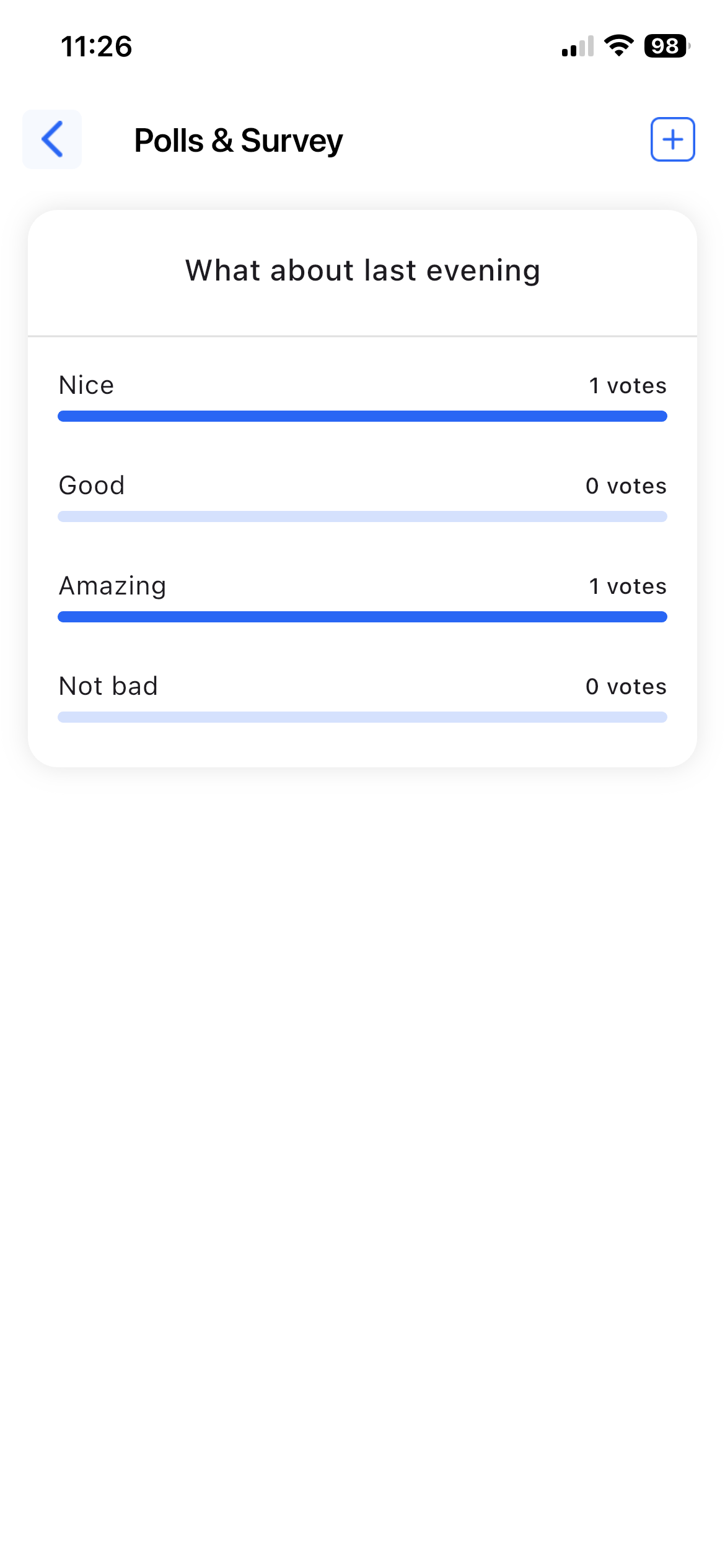
- View option-wise vote count
12. Society Maintenance
Purpose:
To manage society maintenance and damage-related tasks.
Details:
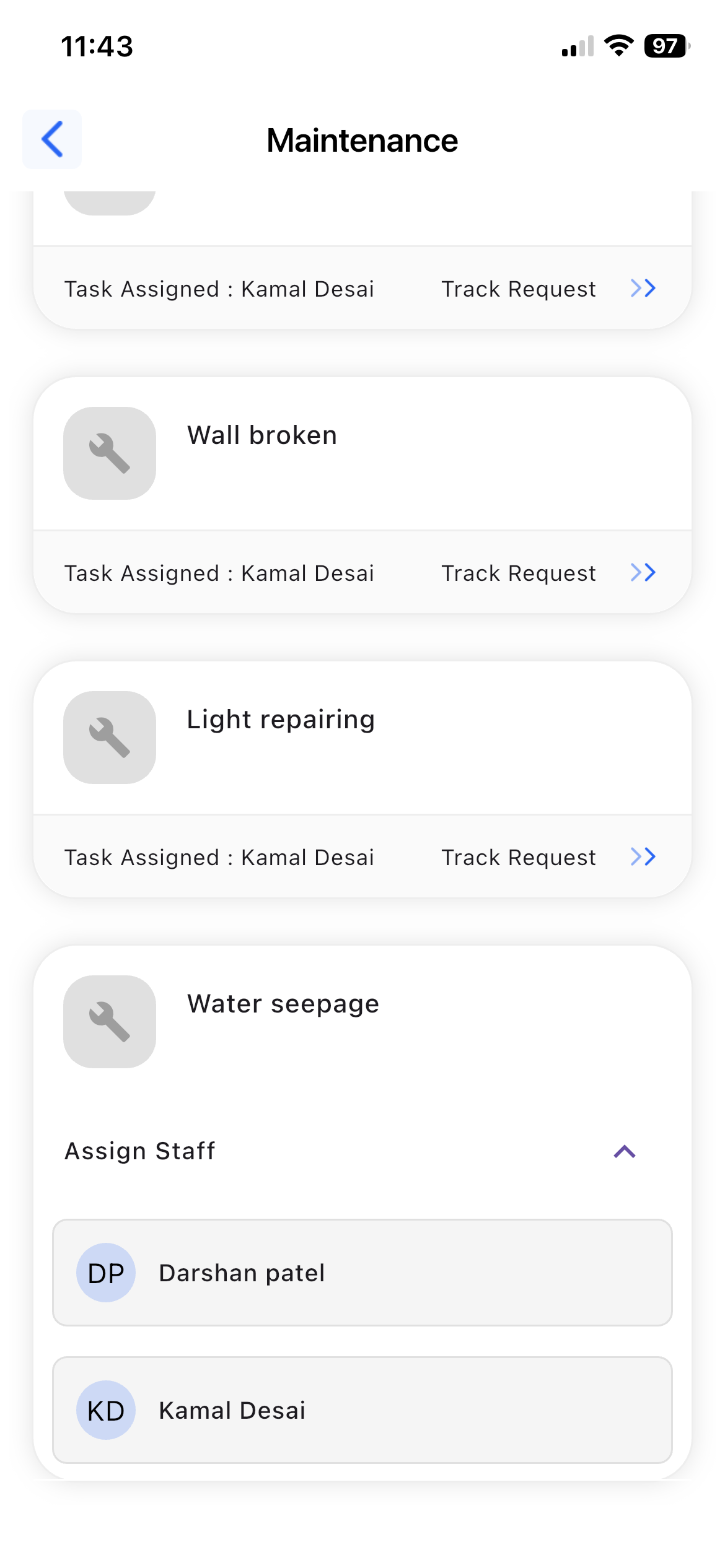
- Maintenance tasks are shown which are created by members
- Assign staff to maintenance tasks
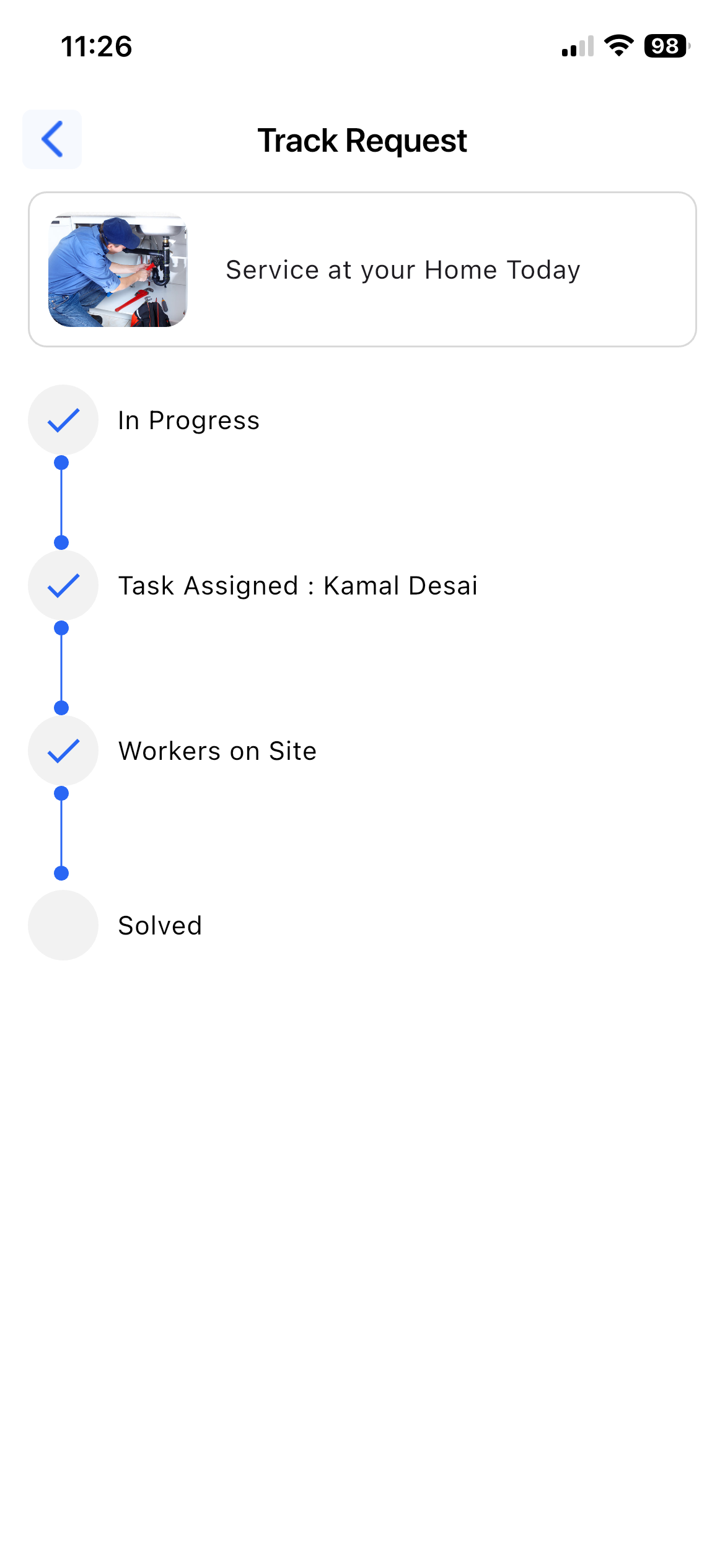
- Track task status:
- Pending
- In Progress
- Worker on site
- Solved
- View task updates and completion status from staff